How to Convert PNG to 4K: Upscale PNG Images to Ultra-HD Quality
You took a great photo. Saved it as a PNG. Then opened it on a 4K monitor — and it looked like soup.
PNG is lossless, but lossless doesn't mean high-resolution. A 1080p PNG on a 4K screen still looks soft, still gets stretched, still disappoints. The fix isn't a better format — it's more pixels. Here's how to get them.
What "4K" Actually Means (And Why Your PNG Falls Short)
4K resolution is 3840×2160 pixels — about 8.3 megapixels. Most smartphone photos are 12–108MP, so they're fine. But screenshots, graphics, scanned documents, and older photos? Often 1–3MP at best.
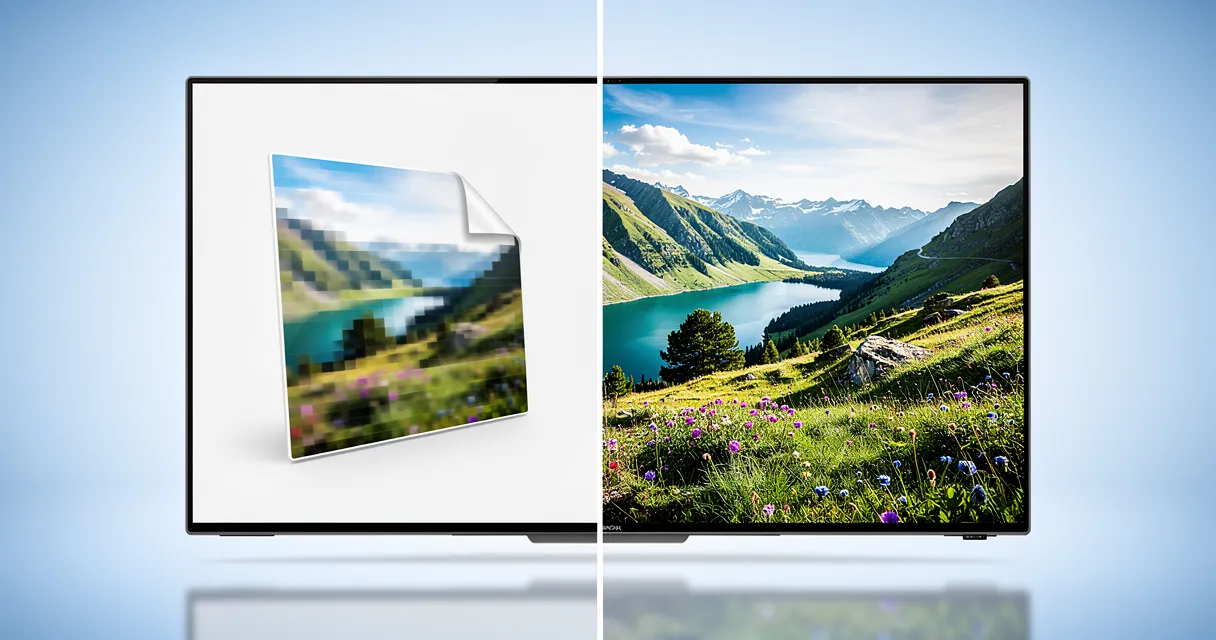
When you display a 1080p PNG (2MP) on a 4K monitor, your screen fills in the missing pixels by duplicating what's already there. The result: soft edges, visible pixelation, washed-out detail.
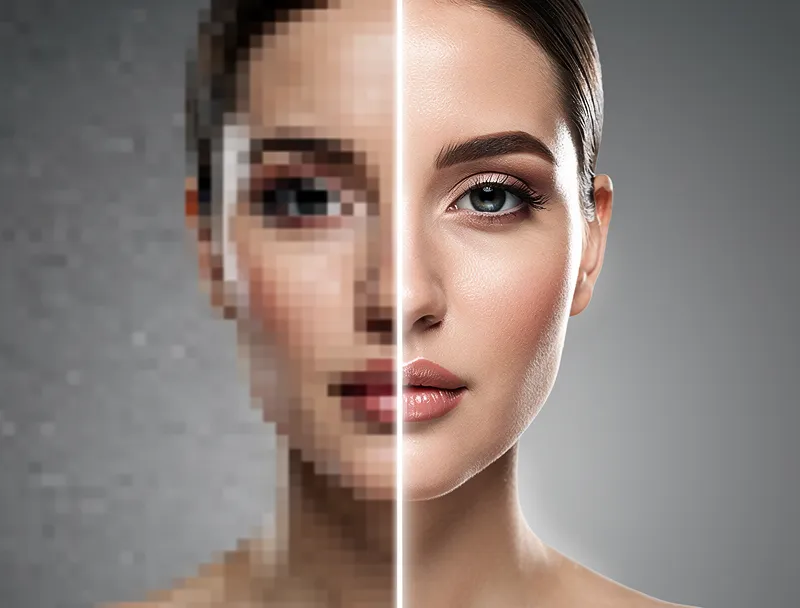
The only real solution is upscaling — adding new, intelligent pixels based on what should be there. AI does this dramatically better than traditional methods.
AI Upscaling vs. Traditional Resizing: What's Different?
Traditional photo editors (Photoshop, GIMP, Preview) use interpolation to resize images. They average neighboring pixels to estimate what should fill the gaps. The result looks like a blurry photo with smooth edges — not sharp.
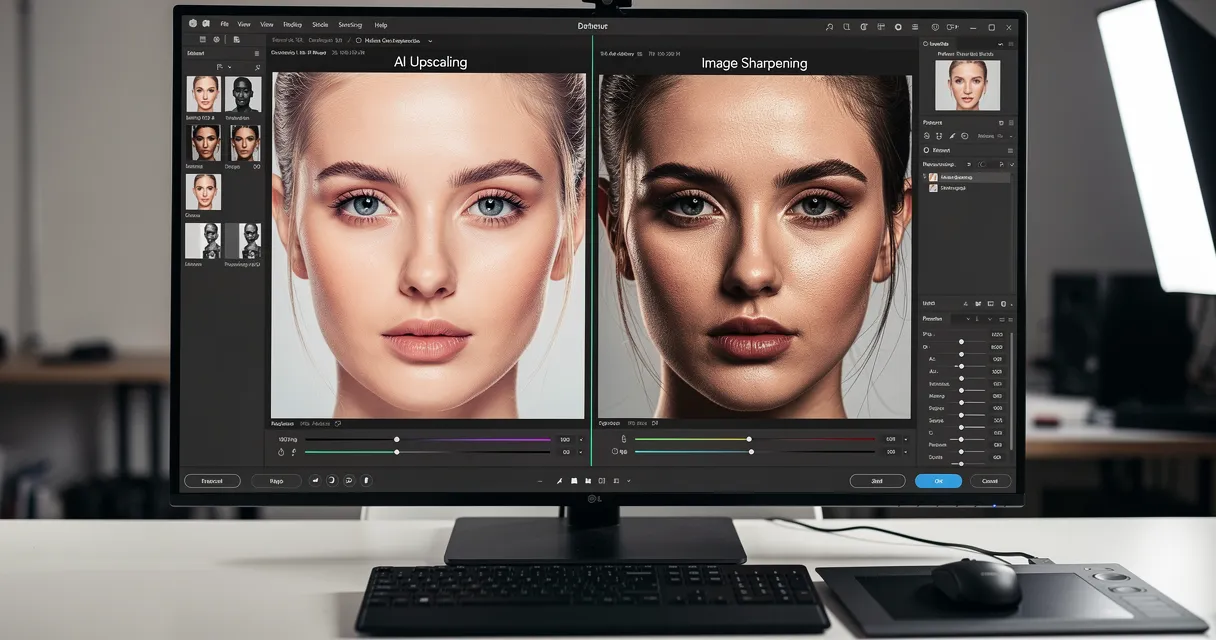
AI upscaling works differently. A neural network trained on millions of images learns what sharp textures, edges, and details actually look like. When it encounters a low-res PNG, it doesn't just guess — it reconstructs.
The difference matters most at 4K scale:
- Traditional resize: Smooth blur, lost detail
- AI upscale: Recovered sharpness, enhanced edges, realistic texture
Try the AI upscaler free and see the difference on your own PNG — no signup, no install.
Step-by-Step: Convert Your PNG to 4K Quality
The process takes under a minute.
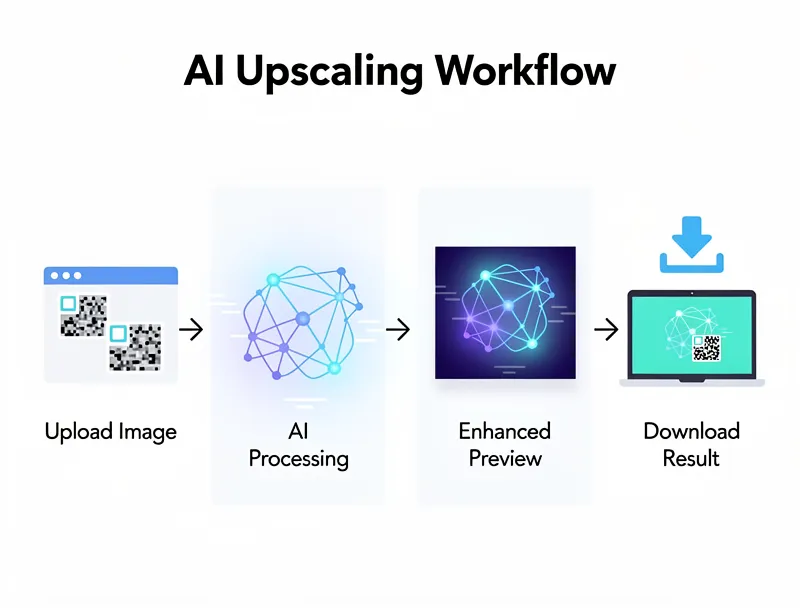
Step 1: Open the tool Go to myimageupscaler.com. No account required. Works in any browser.
Step 2: Upload your PNG Drag and drop your file, or click to browse. PNG files up to 10MB are supported. The AI processes your image immediately.
Step 3: Choose upscale factor Select 2x (doubles each dimension) or 4x (quadruples each dimension). For a 1920×1080 PNG, 4x gives you 7680×4320 — beyond 4K, ready for any screen.
Step 4: Download the result Your upscaled image downloads as a high-quality file. Use it on your 4K monitor, in presentations, for printing, or wherever you need crisp resolution.
When to Use 4K Upscaling for PNG Files
Not every PNG needs upscaling. Here's where it genuinely helps:
4K monitor wallpapers — Custom designs, screenshots, or game captures often originate at 1080p. Upscaling to 4K eliminates the soft look on high-density displays.
Large-format printing — Canvas prints, banners, and posters need 150–300 DPI at final size. A 1920×1080 PNG printed at 24" wide is only 80 DPI. Upscale to 4K first.
Presentations on 4K displays — Conference room screens and modern laptops run at 4K. Presentation slides with 1080p images look visibly softer.
Video thumbnails and channel art — YouTube, Twitch, and podcast platforms recommend 4K source images for cover art. Upscale existing graphics before uploading.
Product photography — Small product shots often get cropped tight for hero images. Upscaling recovers detail after cropping.
PNG vs. Other Formats: Does the Format Matter for Upscaling?
PNG is actually one of the best formats to upscale from. Here's why:
PNG is lossless — it doesn't add compression artifacts the way JPEG does. When you upscale a JPEG, the AI sometimes "sees" compression noise as texture and amplifies it. PNG has no compression artifacts, so the AI works with clean source data.
The upscaled output is equally sharp regardless of whether you started with PNG, JPEG, or WebP. But PNG inputs tend to produce the most consistent results, especially for graphics, text, and illustrations with hard edges.
Tips for Best 4K Upscaling Results
Start with the largest PNG you have. Upscaling 2x from a 2K PNG beats upscaling 4x from a 720p PNG. More source data = better output.
Avoid pre-sharpening. Some editors add artificial sharpening that creates halos. The AI handles sharpness — just provide a clean source.
Use PNG for final output too. If you're using the upscaled image in a design workflow, keep it as PNG to stay lossless through edits.
Check the result at 100%. Zoom to actual pixels to verify quality. If an area looks off, try the 2x option first and evaluate.
Common PNG Upscaling Mistakes
Upscaling a screenshot from your phone. Screenshots are already at your device's native resolution — often 1080p or 1440p. Upscaling them 4x creates a massive file with marginal quality gains. Evaluate whether you actually need the size.
Expecting miracles on very low-res files. A 200×200 pixel PNG can become a 800×800 at 4x — but detail recovery has limits. The AI is impressive, but there's only so much information to work with at tiny sizes.
Using a compressed "Save for Web" PNG. Some tools save PNGs with reduced color depth or heavy palette compression. Check that your source PNG is full-color and uncompressed before upscaling.
Results You Can Expect
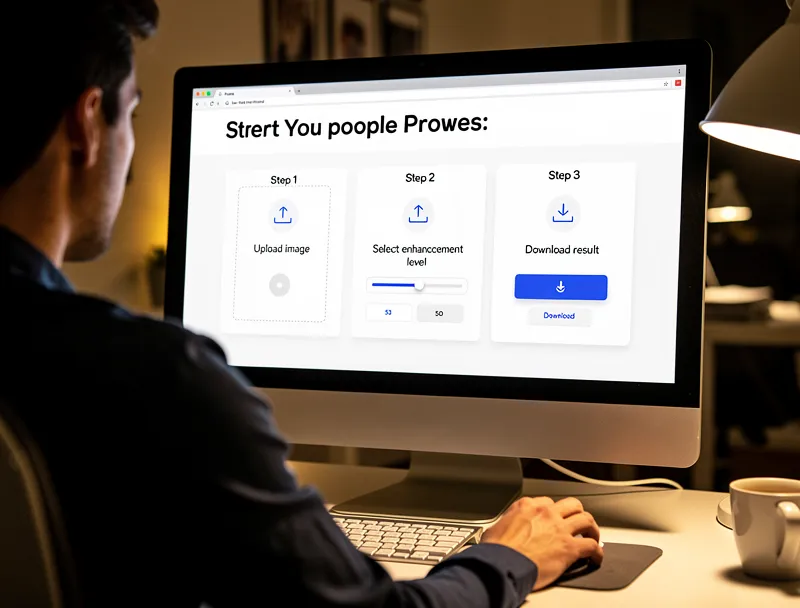
For most PNG files — photos, product images, graphic designs — AI upscaling to 4K delivers results that are noticeably sharper than the source. Text becomes crisper. Edges look defined. Gradients stay smooth.
For highly detailed photos (portraits, landscapes, architecture), the improvement is dramatic — fine texture like hair, fabric, and foliage comes back in detail that the original low-res file couldn't hold.
For flat graphics, logos, and illustrations, the AI reconstructs clean lines and preserves the hard-edge sharpness that PNG files are designed for.
Conclusion
Converting PNG to 4K isn't about changing formats — it's about adding the pixel density that 4K screens and modern print demand. AI upscaling does it in seconds, at a quality level that traditional resizing can't match.
Upload your PNG now — free, instant, no account required. See what 4K AI upscaling does for your images.
Frequently Asked Questions
Quick answers for this guide
What should I know about convert PNG to 4K resolution free AI upscaling?+
Need to convert PNG to 4K resolution without losing quality? AI upscaling can transform standard PNG images into stunning 4K visuals. Start by confirming the target size, format, and platform requirements, then upscale only as much as needed to meet that target without introducing artifacts.
When should I use AI upscaling for this workflow?+
Use AI upscaling when the original image is too small for the target use case but still has enough detail to guide the model. For guides work, pay closest attention to source image quality, upscale settings, output dimensions, and final visual inspection, especially upscale, AI, PNG.
How do I avoid losing quality after upscaling?+
Upscale once from the best original, avoid repeated compression, keep important text and edges sharp, and export in a format that matches the final use. If the output shows halos, smeared texture, or distorted text, reduce the upscale factor or use a cleaner source image.

Reviewed byJoao Furtado
AI Image Upscaling Specialist
Joao is the founder of MyImageUpscaler and an AI image upscaling specialist. He tests every guide against real upscaling workflows — comparing model outputs, evaluating sharpness and artifact tradeoffs, and validating tool recommendations before publication.
- AI image upscaling
- Model comparison
- Photo restoration
- E-commerce image prep