Midjourney Max Resolution and Print Upscaling
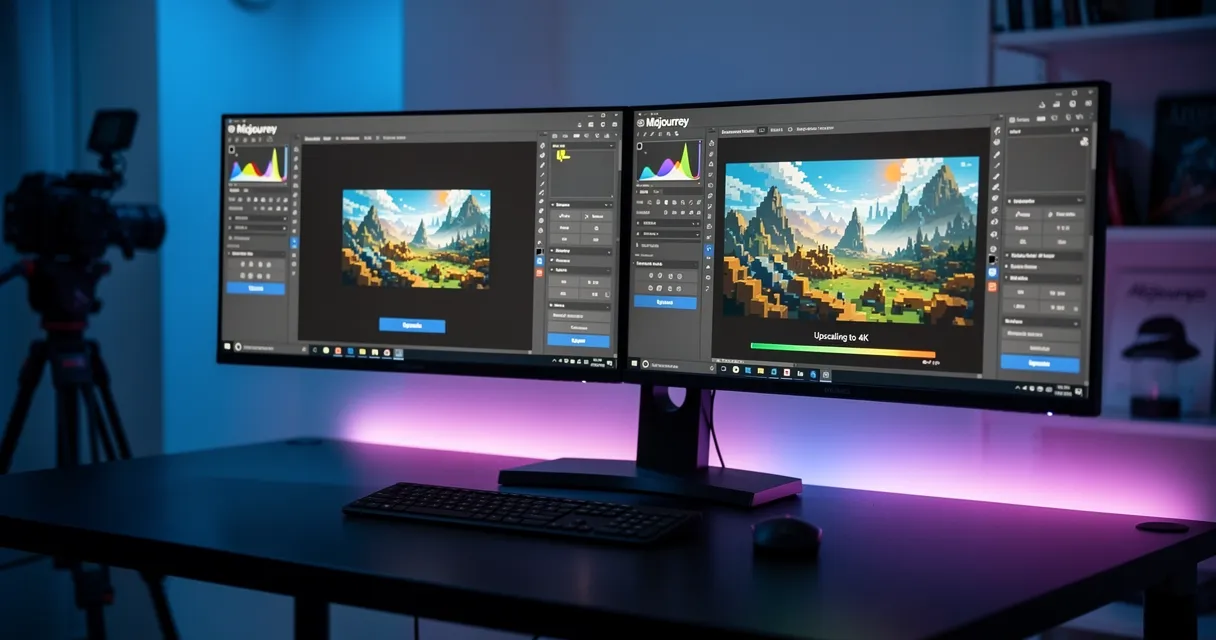
As of June 2026, Midjourney V7 images start around 1024 x 1024 px at the default square ratio and can use Subtle or Creative upscale to reach 2048 x 2048 px, according to Midjourney's official upscaler chart. Midjourney V8.1 also offers HD images at 2048 px without a separate upscale step, according to Midjourney's current version docs.
That is enough for a sharp 6.8 x 6.8 inch square print at 300 DPI. It is not enough for 16x20, 24x36, 4K wall art, or 8K-style print files. For those, export the largest Midjourney file first, then use an external AI upscaler to reach the print size.
Why Midjourney Images Look Great on Screen But Bad in Print
Midjourney V7's built-in upscaler can double a default square image from 1024x1024 to 2048x2048. For 16:9 images, Midjourney's own upscaler chart lists 1456x816 initial output and 2912x1632 after Subtle or Creative upscale. V8.1 HD also targets 2048px-class output.
Run the math: a 2048px square image printed at 300 DPI gives you a usable print size of roughly 6.8 inches. That is fine for a small art print, but it falls short for posters.
For a standard 16×24 poster at 300 DPI, you need an image that's 4800×7200 pixels. Your Midjourney output is missing about 30 million pixels.
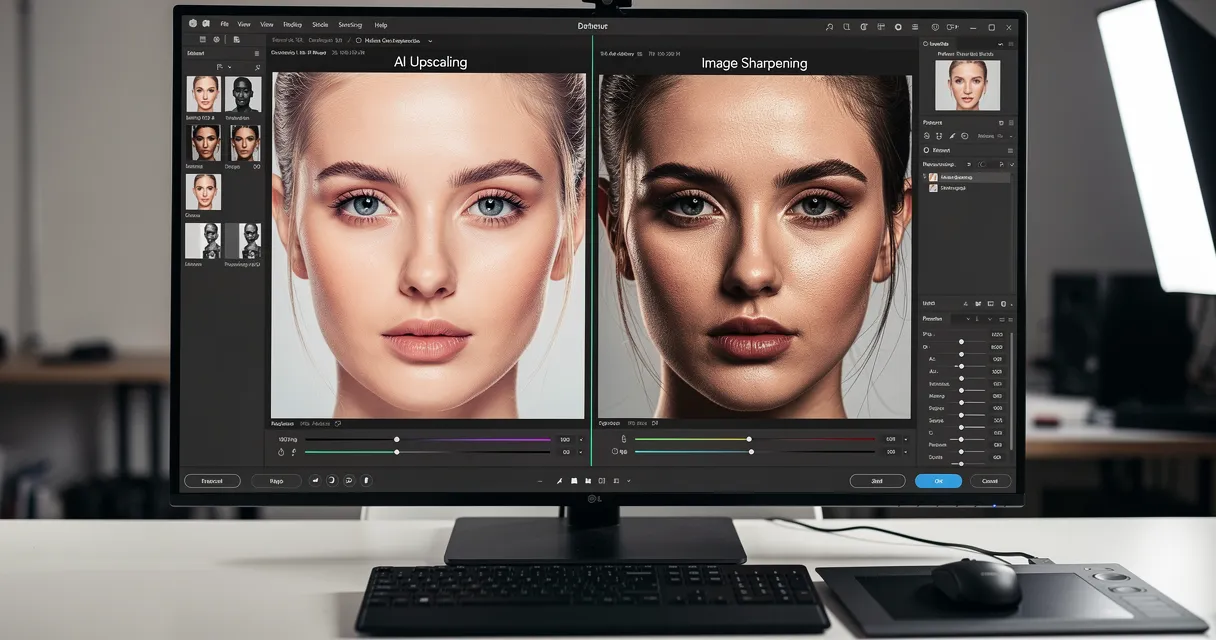
Traditional upscaling just stretches existing pixels — the result looks like someone Photoshopped a painting with a smear tool. AI upscaling is different. It analyzes your image and generates the missing detail, preserving edge sharpness, texture, and color consistency.
How AI Upscaling Works on Midjourney Images
!Midjourney AI artwork before and after upscaling comparison
AI upscalers trained on millions of images can recognize patterns — fabric texture, skin pores, architectural details — and reconstruct them at higher resolutions. For Midjourney art specifically, this means:
- Painted textures stay painterly, not plastic
- Fine linework sharpens without aliasing
- Color gradients stay smooth, not banded
- Facial features in portraits gain realistic detail
The key difference from Midjourney's built-in upscaler (which maxes out at 1664px) is that external AI upscalers can go 4x, 8x, even 16x — enough for gallery-sized prints.
Step-by-Step: Upscaling Your Midjourney Image for Print
Step 1: Export from Midjourney at Maximum Resolution
In Midjourney, always upscale your chosen image before downloading. Click the U1–U4 buttons to select and upscale your preferred variation. This gives you the highest resolution Midjourney can produce.
Download the full-resolution file from the Midjourney website (not the Discord thumbnail).
Step 2: Determine Your Target Print Size
Use this quick reference to calculate how much upscaling you need:
| Print Size | Needed Resolution (300 DPI) | From 2048px Midjourney Output |
|---|---|---|
| 6.8×6.8 inches | 2048×2048 px | No external upscale needed |
| 8×10 inches | 2400×3000 px | 2x is usually enough |
| 16×20 inches | 4800×6000 px | 4x for a comfortable margin |
| 24×36 inches | 7200×10800 px | 4x to 8x depending on crop and aspect ratio |
| 40×60 inches | 12000×18000 px | 8x+ and test-print first |
For most standard prints, a 4x AI upscale gets you there. For large-format work, go 8x only when the source is clean enough; pushing weak AI art too far can create halos, fake linework, or plastic texture.
Step 3: Use an AI Upscaler
Upload your Midjourney image to our AI upscaler — it handles the entire process in under a minute:
- Click Upload and select your Midjourney PNG or WebP
- Choose your upscale factor (4x for most prints, 8x for large format)
- Click Enhance and wait ~30 seconds
- Download the high-resolution result
No account required. No watermarks. Your image, just bigger and sharper.
Step 4: Verify Before Sending to Print
Before submitting to a print shop:
- Open the upscaled file and zoom to 100% — details should be sharp, not smeared
- Check that fine lines (hair, fabric threads, architectural details) look crisp
- If you see halos or artifacts around edges, try a lower upscale factor (4x instead of 8x)
- For very dark images, check that shadows don't show compression artifacts
Best Midjourney Styles for Print
Some Midjourney styles upscale better than others:
Excellent for upscaling:
- Photorealistic styles (--style raw)
- Oil painting and watercolor aesthetics
- Architectural visualization
- Portrait photography style
Requires more care:
- Highly stylized anime/illustration (fine lines may sharpen differently)
- Very dark atmospheric scenes (noise can amplify)
- Abstract art with lots of micro-detail
For illustrations and anime-style Midjourney art, our AI upscaler for anime and illustrations uses a specialized model tuned for these styles.
Midjourney vs External AI Upscalers: What's the Difference?
Midjourney offers built-in upscaling (the U buttons), but these have real limits:
| Feature | Midjourney Built-in | External AI Upscaler |
|---|---|---|
| Max output | ~1664px | 8000px+ (8x from 1024) |
| Upscale factor | ~1.5x | Up to 16x |
| Cost | Uses fast hours | Free tier available |
| Custom scale | No | Yes (2x, 4x, 8x, 16x) |
| Print-ready output | No | Yes (300 DPI capable) |
If you're comparing different AI tools for Midjourney work, see our Midjourney vs Stable Diffusion upscaler comparison — it breaks down how each model handles AI-generated art specifically.
Common Print Problems (And How to Fix Them)
Problem: Print looks soft/blurry even after upscaling Fix: You may have downloaded a compressed Discord thumbnail instead of the full-res Midjourney file. Always download from midjourney.com, not the Discord message.
Problem: Colors look different in print vs screen Fix: Screens use RGB color. Printers use CMYK. Ask your print shop about ICC profile conversion, or use a service that handles this automatically.
Problem: Upscaled image has weird halos around edges Fix: This usually means you upscaled too aggressively. Try 4x instead of 8x, or use our print-ready upscaling guide for recommendations by print size.
Problem: Fine details look smeared or plastic Fix: Switch to a different AI model. Our upscaler uses models optimized specifically for artistic content — avoiding the "wax figure" effect common in older tools.
Printing Your Upscaled Midjourney Art
Once you have your high-resolution file, you have several options:
- Local print shops (Staples, Office Depot): Good for quick turnaround, limited sizes
- Online fine art printers (Printful, Canva Print, Bay Photo): Higher quality, more size options
- Canvas printing (Canvaspop, CanvasFly): Great for AI art, no glass glare
- Metal prints: High-contrast Midjourney art looks striking on aluminum
For anything larger than 11×14, always request a test print before ordering your full run.
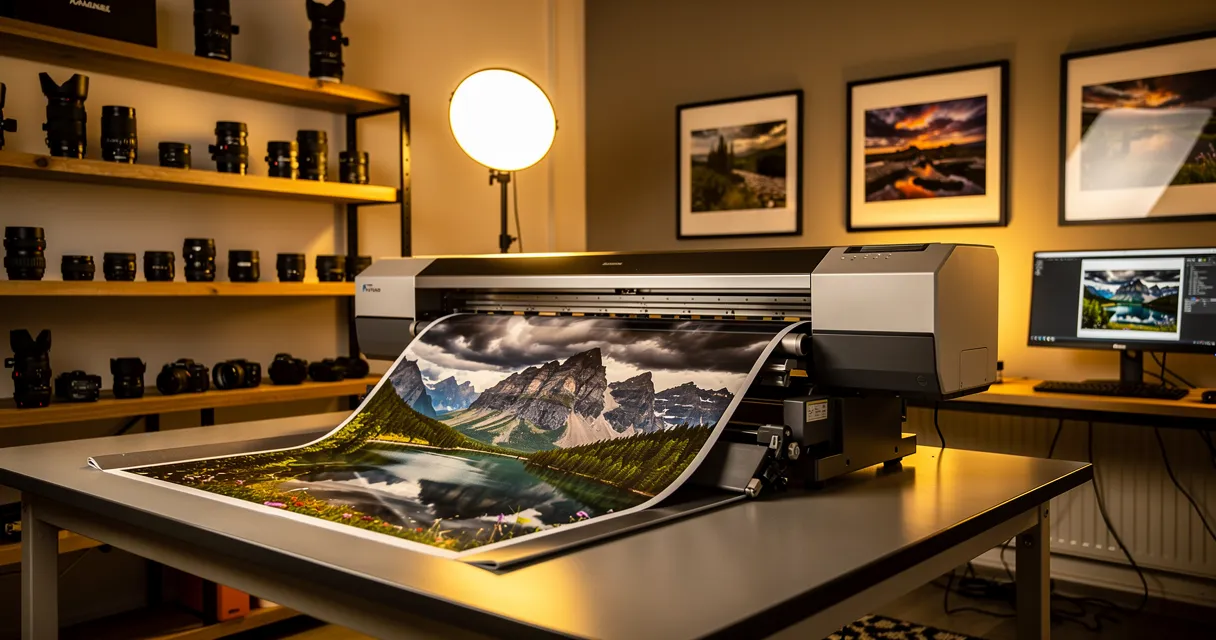
!Professional photographer examining large format print from upscaled Midjourney artwork
The Fastest Way to Get Print-Ready Midjourney Art
You don't need to learn Photoshop, pay for a subscription, or wait hours for batch processing.
Upload your Midjourney image now — get a print-ready file in under 60 seconds. Works with PNG, WebP, and JPEG from Midjourney. Supports upscaling up to 8x for even the largest format prints.
Free to use. No signup required.
Frequently Asked Questions
Can I upscale Midjourney images for commercial use? Yes, with a Midjourney paid plan you own the commercial rights to your generations. Upscaling doesn't affect these rights — you're just increasing the resolution of an image you already own.
What's the best upscale factor for a 24×36 poster? From a standard 1024px Midjourney output, you'll need approximately 8x upscaling to reach 8192px — enough for a crisp 27-inch print at 300 DPI. Use our upscale to 8K tool for these large format needs.
Does upscaling change the style or colors of my Midjourney image? Good AI upscalers preserve your original style and colors — they only add resolution detail. If you see style drift, the upscaler isn't designed for AI art. Our tool is specifically tuned to respect artistic intent.
Can I batch upscale multiple Midjourney images? Yes — our free upscaler handles individual files instantly. For bulk projects, we also support batch processing.
Frequently Asked Questions
Quick answers for this guide
What should I know about midjourney max resolution and print upscaling?+
Check Midjourney image size limits, when to upscale for print, and how to prepare 4K or 8K AI art without artifacts. Try free now. Start by confirming the target size, format, and platform requirements, then upscale only as much as needed to meet that target without introducing artifacts.
When should I use AI upscaling for this workflow?+
Use AI upscaling when the original image is too small for the target use case but still has enough detail to guide the model. For guides work, pay closest attention to source image quality, upscale settings, output dimensions, and final visual inspection, especially upscale, AI, midjourney.
How do I avoid losing quality after upscaling?+
Upscale once from the best original, avoid repeated compression, keep important text and edges sharp, and export in a format that matches the final use. If the output shows halos, smeared texture, or distorted text, reduce the upscale factor or use a cleaner source image.

Reviewed byJoao Furtado
AI Image Upscaling Specialist
Joao is the founder of MyImageUpscaler and an AI image upscaling specialist. He tests every guide against real upscaling workflows — comparing model outputs, evaluating sharpness and artifact tradeoffs, and validating tool recommendations before publication.
- AI image upscaling
- Model comparison
- Photo restoration
- E-commerce image prep