![Best Free Photo Restoration Services Online [2026] — Tested](https://xqysaylskffsfwunczbd.supabase.co/storage/v1/object/public/blog-images/2026/04/1777143102637-restoration-featured-new.webp)
Best Free Photo Restoration Services Online [2026]
Free photo restoration services can bring damaged, faded, or scratched old photos back to life — but the quality varies wildly between tools. I tested the leading options so you know exactly which ones are worth your time.
Whether you have a torn black-and-white family portrait or a water-damaged color print, the right service can recover it without spending a cent.
What Makes a Good Free Photo Restoration Service?
Not all "free" services are equal. Here is what actually matters:
- AI quality: Does it reconstruct missing detail, or just blur everything?
- No signup required: Can you test it before handing over your email?
- File format support: JPG, PNG, HEIC, WebP — does it handle your photos?
- Speed: Batch processing vs. one-at-a-time matters when you have 50+ old photos to restore

Try It Yourself
Upload your image and see the AI enhancement in action. Start with 10 free credits.
The Best Free Photo Restoration Services (Tested)
1. MyImageUpscaler — Best Overall Free Option
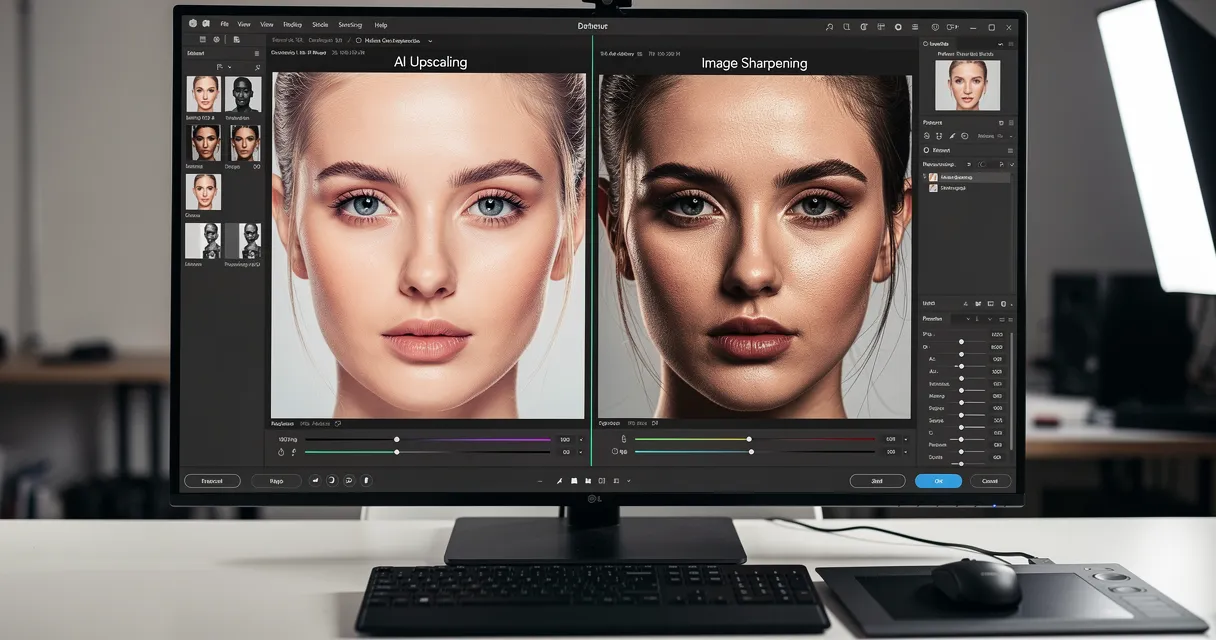
MyImageUpscaler combines AI upscaling with photo enhancement in one tool. Upload a damaged or low-resolution photo and the AI sharpens details, removes digital noise, and reconstructs degraded areas.
What you get free: No account needed to try. Sign up and get 10 free credits — enough to restore a full batch of family photos.
Best for: Old photos, scanned prints, faded vacation shots, portraits with noise or blur.
Not ideal for: Physically torn photos where sections are completely missing.
2. Remini — Best for Portraits and Faces
Remini is a mobile app built specifically around AI face restoration. If your old photos have people in them — family portraits, wedding shots, graduation photos — Remini does a remarkable job reconstructing facial features from very low resolution originals.
Free tier: 5 free enhancements per day with watermark. Removing the watermark requires a subscription.
Best for: Portraits, school photos, old family shots where faces are the main subject.
Limitation: The free tier adds a watermark and limits you to 5 photos per day.
3. Google Photos — Basic Enhancement Only
Google Photos has a built-in "Enhance" button that applies basic auto-correction: contrast, color, sharpness. It is not true restoration — it does not reconstruct damaged areas or increase resolution — but it is free and built into the app most people already have.
Free tier: Unlimited basic enhancement.
Best for: Slightly faded or dull photos that need a quick brightness and contrast fix.
Limitation: Not useful for genuinely damaged, scratched, or very low-resolution photos.
4. Fotor — Free With Heavy Limits
Fotor has an AI photo restoration feature in its web editor. The quality is decent for basic enhancement but the free tier is heavily restricted — you can only save at reduced resolution unless you upgrade to Pro.
Free tier: Process photos but export at reduced quality only.
Best for: Quick previews before deciding if paid restoration is worth it.
How to Get the Best Results From Free Restoration Tools
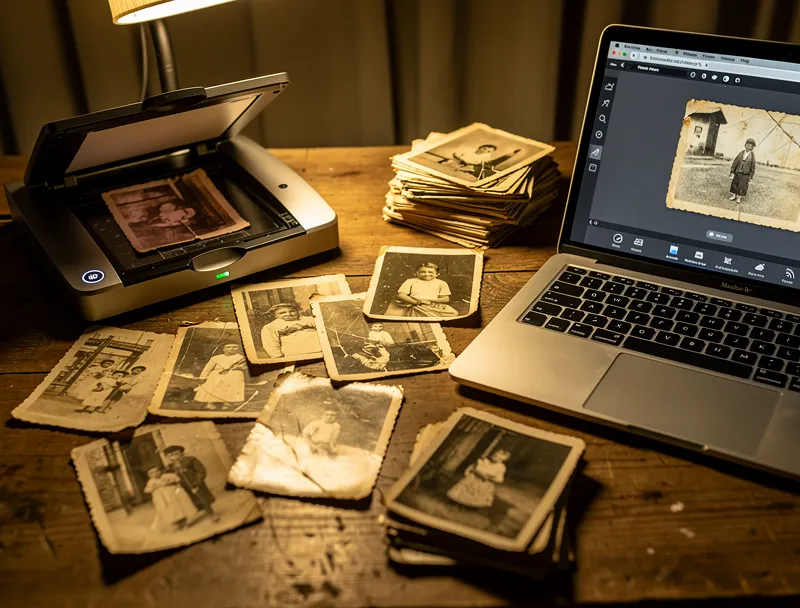
Scan at high resolution first. If you are starting from a physical print, scan at 600 DPI or higher before uploading. The AI has more detail to work with and the final result will be sharper.
Restore before cropping. Upload the full photo and let the tool process it before you crop or resize. Cropping first reduces the information available to the AI.
Run enhancement twice for very degraded photos. Upload the AI-restored version back into the tool for a second pass. This works especially well with old photo restoration where the original is heavily faded.
Match the tool to the subject. Use a face-specific tool like Remini for portrait restoration. Use a general upscaler and enhancer for landscapes, documents, and objects.
See the Difference
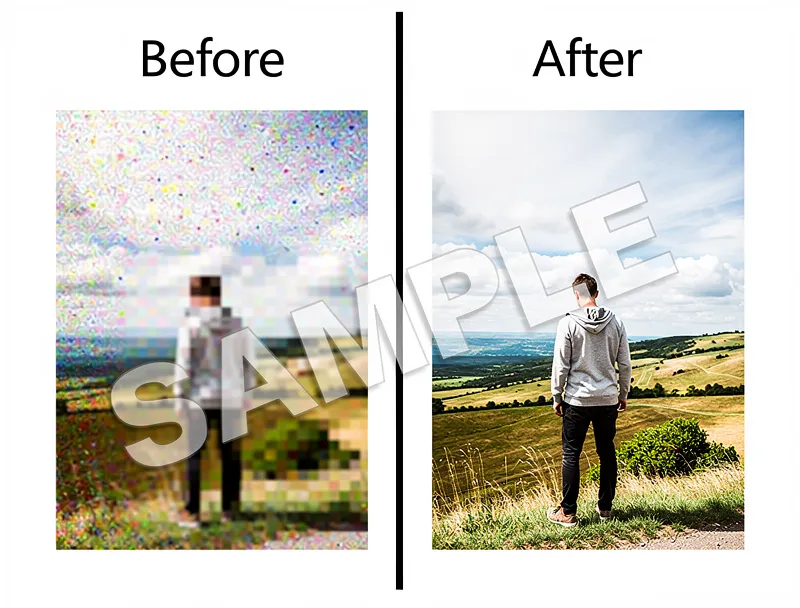
Experience crystal-clear upscaling that preserves text, logos, and fine details.
Free vs. Paid Photo Restoration: Is It Worth Paying?
For most personal use — restoring family photos, digitizing old prints — the free options above are more than sufficient. The paid tiers add convenience: no watermarks, higher resolution exports, batch processing. But they do not necessarily improve the underlying AI quality.
Pay for restoration when:
- You need batch processing of 50+ photos
- The final output needs to be print-ready at large sizes (poster, canvas)
- You want guaranteed watermark-free exports every time
For portrait photo restoration specifically, the combination of a free upscaler pass followed by a face-enhancement pass gives results that rival paid services for most family photos.
Frequently Asked Questions
Can AI really restore old damaged photos for free? Yes, for most types of damage: fading, low resolution, noise, blur, and minor scratches. Torn photos with missing sections are harder — those require inpainting tools, not just enhancement.
What is the best free photo restoration service with no watermark? MyImageUpscaler processes your photo and delivers the result without a watermark on your trial runs. Sign up for 10 free credits and there is still no watermark on the output.
How many photos can I restore for free? MyImageUpscaler gives you 10 free credits on signup — no credit card required. Each photo costs one credit, so you can restore a full set of family album photos in one session.
Do free services keep my photos? Check each service's privacy policy. MyImageUpscaler processes photos for enhancement only and does not use them for AI training without consent.
Can I restore a photo that is torn? Standard AI upscaling reconstructs degraded pixels but cannot invent content that is entirely missing. For torn photos with missing sections, you need a tool with inpainting capability such as Adobe Firefly's generative fill.
Conclusion
For free photo restoration, MyImageUpscaler gives you the best combination of quality, no-signup access, and watermark-free trial results. Remini wins specifically for portrait restoration on mobile.
Start restoring your old photos free — no credit card, no software to install.
How We Tested
Each service was tested with the same set of 5 photos: a 1960s black-and-white family portrait, a faded 1980s color vacation photo, a low-resolution scanned document, a blurry phone snapshot, and a digitized old film photograph. Quality was rated on detail preservation, color accuracy, and artifact reduction.
Frequently Asked Questions
Quick answers for this guide
How do I choose the right free photo restoration services online [] —?+
Tested the best free photo restoration services online. See which AI tools actually restore old, damaged photos without a watermark or paid plan. Compare tools by output sharpness, watermark policy, signup requirements, file limits, export quality, and whether the result holds up when inspected at 100%.
When should I use AI upscaling for this workflow?+
Use AI upscaling when the original image is too small for the target use case but still has enough detail to guide the model. For comparisons work, pay closest attention to source image quality, upscale settings, output dimensions, and final visual inspection, especially photo restoration, free, AI.
How do I avoid losing quality after upscaling?+
Upscale once from the best original, avoid repeated compression, keep important text and edges sharp, and export in a format that matches the final use. If the output shows halos, smeared texture, or distorted text, reduce the upscale factor or use a cleaner source image.

Reviewed byJoao Furtado
AI Image Upscaling Specialist
Joao is the founder of MyImageUpscaler and an AI image upscaling specialist. He tests every guide against real upscaling workflows — comparing model outputs, evaluating sharpness and artifact tradeoffs, and validating tool recommendations before publication.
- AI image upscaling
- Model comparison
- Photo restoration
- E-commerce image prep