
![Easiest Way to Make Image Background Transparent Free [2026]](https://xqysaylskffsfwunczbd.supabase.co/storage/v1/object/public/blog-images/2026/02/1771367088516-featured-transparent-bg.webp)
Easiest Way to Make Image Background Transparent Free [2026]
The easiest way to make an image background transparent in 2026 is with a free AI tool — no Photoshop, no account, no software to install. It removes any background in seconds and works on product photos, logos, and portraits.
You took a great product photo. The background ruins it. Here's exactly how to fix it.
What Is a Transparent PNG (and Why It Matters)?
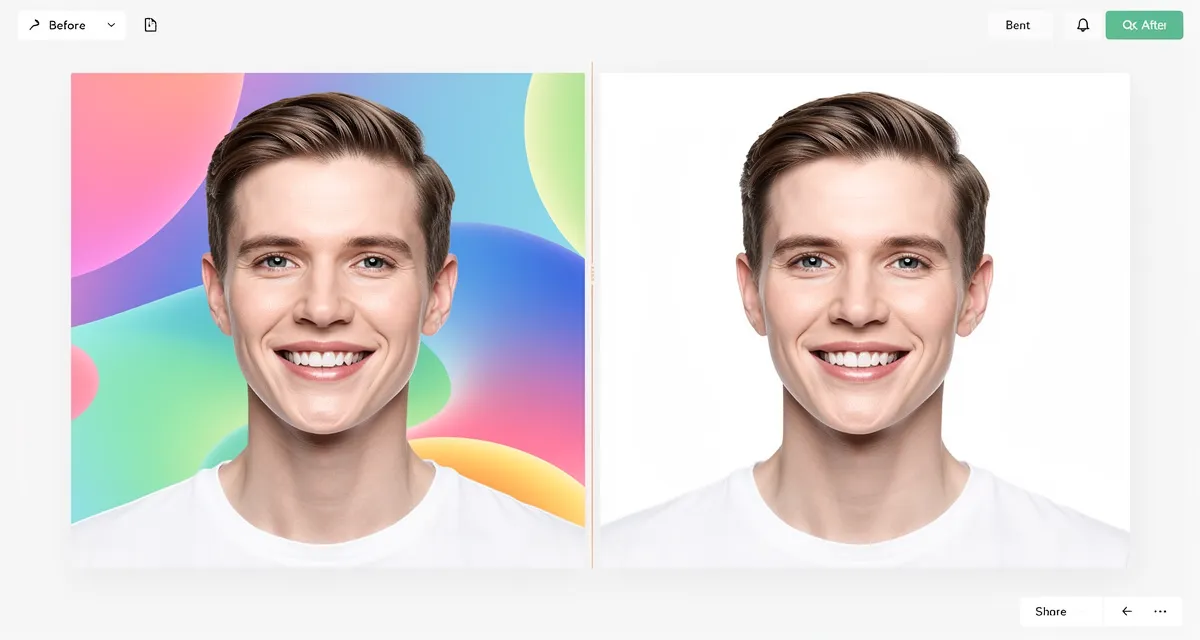
A transparent PNG is an image file where the background has been removed and replaced with transparency — the checkered grey-and-white pattern you see in image editors. That transparent area becomes invisible when you place the image on any background.
This matters because:
- Ecommerce listings look cleaner and more professional with isolated product shots
- Logos and graphics need to sit on different backgrounds without a white box
- Social media posts let the background color show through naturally
- Presentations and documents look polished when images blend seamlessly
JPEG files cannot store transparency. PNG can. That is the only format you need for this.
How to Remove a Background and Make a Transparent PNG for Free
Try our free transparent background maker — no signup, no watermarks, results in seconds.
Here is the process from start to finish:
Step 1: Upload Your Image
Go to the transparent background tool and upload your PNG or JPG. The tool accepts both formats and converts the output to a transparent PNG automatically.
Step 2: The AI Removes the Background
The AI model analyzes your image and detects the subject — a product, a person, a logo, an animal. It then removes everything around it, replacing the background pixels with transparency.
This takes roughly 5–10 seconds depending on image complexity. No clicks, no manual masking, no lasso tool.
!Step-by-step background removal showing transparent PNG result
Step 3: Download Your Transparent PNG
Once processed, download the result as a PNG file. Open it in any design tool, presentation software, or drop it directly into your website. The background is completely gone.
What About Image Quality?
Background removal should not degrade your subject. If you notice the removed image looks softer or smaller than you need — especially for print or large-format use — you can run it through our AI image upscaler afterward to sharpen and enlarge it without losing detail.
Transparent PNG vs. White Background: When to Use Each
| Use Case | Transparent PNG | White Background |
|---|---|---|
| Website overlays | Yes | No |
| Social media | Yes | Sometimes |
| Amazon listings | No (white required) | Yes |
| Logo files | Yes | Rarely |
| Print materials | Depends on template | Often |
| Canva / design tools | Yes | Either |
For most digital use, transparent PNG is the right choice. Amazon and a few marketplaces specifically require white backgrounds — in that case you can remove the background first, then place the subject on a clean white canvas.
What Makes a Good Background Removal Result?
AI background removal works best when:
- The subject has clear edges — hair and fur are harder than hard-edged products
- The background contrasts with the subject — a dark product on a light background is easy; similar tones are harder
- The image resolution is decent — very low resolution images produce rough edges
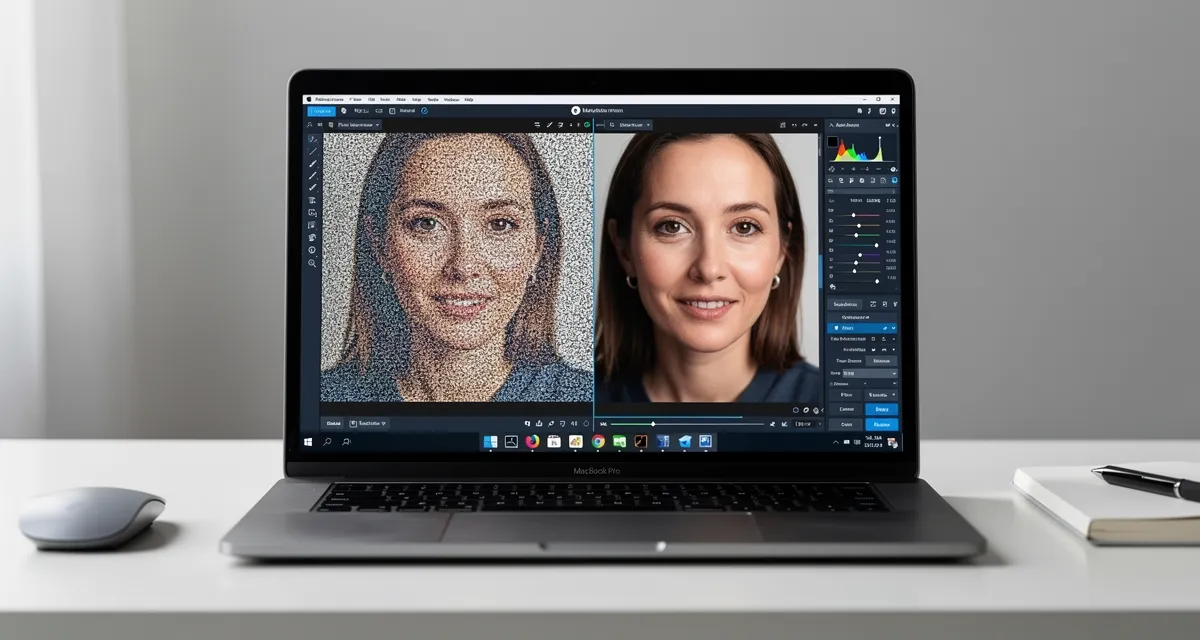
If your original photo is blurry or low resolution, the edges after removal will look jagged. The fix is to upscale the image first, then remove the background. The higher resolution gives the AI more pixel data to work with, producing cleaner cuts around fine details.
!Ecommerce product photos with transparent backgrounds displayed on multiple backdrops
Common Use Cases for Transparent PNG
Product Photography
The most common use. You shoot a product on any background — grey seamless, kitchen table, outdoor — then remove the background to get a clean isolated product. You can then place it on white for your store, or composite it into a lifestyle scene.
Logo Files
Every logo should exist as a transparent PNG. When you send a logo to someone and it has a white box around it, that white box shows up on any non-white background. A transparent PNG drops in cleanly everywhere.
Social Media Graphics
Transparent PNGs let you layer images over colored or textured backgrounds in Canva, Adobe Express, or any design tool. One product photo becomes usable across dozens of different layouts.
Profile Photos and Avatars
Headshots, character illustrations, branded profile images — all benefit from a transparent background that adapts to whatever platform or theme you are using.
Frequently Asked Questions
Can I make any image format into a transparent PNG?
Yes. Upload a JPG, WEBP, or existing PNG — the tool converts it and outputs a PNG with a transparent background. JPEG files cannot hold transparency themselves, so the conversion to PNG is automatic.
Does removing the background lower image quality?
It should not. The subject stays exactly as it was. If the result looks lower quality, it is usually because the original image was already low resolution. Run it through an AI upscaler to sharpen the result.
What happens with complex backgrounds like trees or hair?
Modern AI handles complex edges much better than older methods. Hair and fur still present more challenge than hard edges, but the results are significantly better than manual selection tools for most photos.
Is the transparent background tool really free?
Yes. Our background remover is free to use — no account required, no watermarks on the output.
What file format should I save the transparent image as?
Always PNG. JPEG does not support transparency and will fill the transparent areas with white or black when saved. PNG preserves the transparency layer.
Can I use the transparent PNG for print?
Yes, but check the resolution first. Print typically requires 300 DPI. If your image is lower resolution, upscale it before sending to print to avoid pixelated edges.

See the Difference
Experience crystal-clear upscaling that preserves text, logos, and fine details.
The Fast Way to Get a Clean Transparent PNG
Most people overthink this. The process is:
- Upload your image to the transparent background tool
- Download the transparent PNG
- Use it anywhere
That is it. No Photoshop. No manual selection. No subscription.
If the result needs to be larger or sharper, run the PNG through the AI image upscaler to increase resolution without losing edge quality.
Make your first transparent PNG now — free, instant, no account required.
Frequently Asked Questions
Quick answers for this guide
What should I know about easiest way to make image background transparent free []?+
The easiest way to make image background transparent in 2026 — free, no signup, no Photoshop. AI removes backgrounds in seconds. Start with the highest-quality source file available, choose the smallest upscale factor that meets your target size, and inspect the result at 100% before publishing or printing.
When should I use AI upscaling for this workflow?+
Use AI upscaling when the original image is too small for the target use case but still has enough detail to guide the model. For guides work, pay closest attention to source image quality, upscale settings, output dimensions, and final visual inspection, especially transparent-png, background-removal, free.
How do I avoid losing quality after upscaling?+
Upscale once from the best original, avoid repeated compression, keep important text and edges sharp, and export in a format that matches the final use. If the output shows halos, smeared texture, or distorted text, reduce the upscale factor or use a cleaner source image.

Reviewed byJoao Furtado
AI Image Upscaling Specialist
Joao is the founder of MyImageUpscaler and an AI image upscaling specialist. He tests every guide against real upscaling workflows — comparing model outputs, evaluating sharpness and artifact tradeoffs, and validating tool recommendations before publication.
- AI image upscaling
- Model comparison
- Photo restoration
- E-commerce image prep
![Upscale Image Online Free — No Sign Up, No Watermarks [2026]](https://xqysaylskffsfwunczbd.supabase.co/storage/v1/object/public/blog-images/2026/02/1771797822106-featured-online-upscaler.webp)