

![How to Upscale Images from 4K to 8K with AI [2026 Guide]](https://xqysaylskffsfwunczbd.supabase.co/storage/v1/object/public/blog-images/2026/02/1771625208161-featured-8k-upscaling.webp)
How to Upscale Images from 4K to 8K with AI [2026 Guide]
You shot in 4K. You need 8K. Most people assume that's impossible without re-shooting — but AI changes that.
Modern AI upscalers don't just stretch pixels. They analyze patterns and intelligently generate new detail, taking your 4K footage or photos to true 8K quality. Here's exactly how it works and when it actually makes sense.
What Does "4K to 8K Upscaling" Actually Mean?
4K resolution is 3840 × 2160 pixels — about 8.3 megapixels. 8K is 7680 × 4320 pixels — 33.2 megapixels. That's a 4x increase in total pixels.
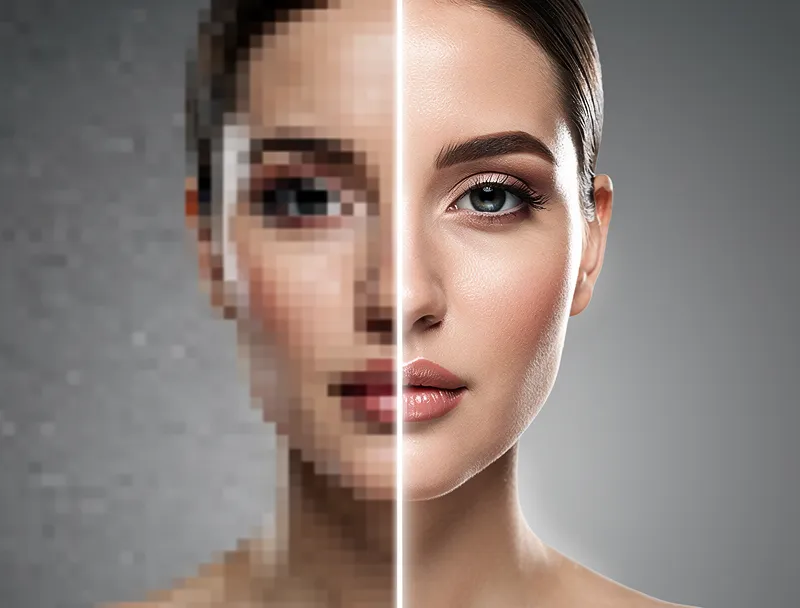
Traditional scaling (bicubic, Lanczos) just averages existing pixels and spreads them out. The result: a softer, blurrier image. You get bigger, not better.
AI upscaling is fundamentally different. Neural networks trained on millions of images learn what high-resolution details should look like. When you upscale a 4K photo to 8K with AI, the model synthesizes realistic texture, sharpens edges, and fills in fine detail that simply wasn't there before.
The output isn't a stretched version of your original. It's a genuinely higher-resolution image.
When Does 4K to 8K Upscaling Make Sense?
Not every 4K image needs 8K treatment. Here's where it pays off:
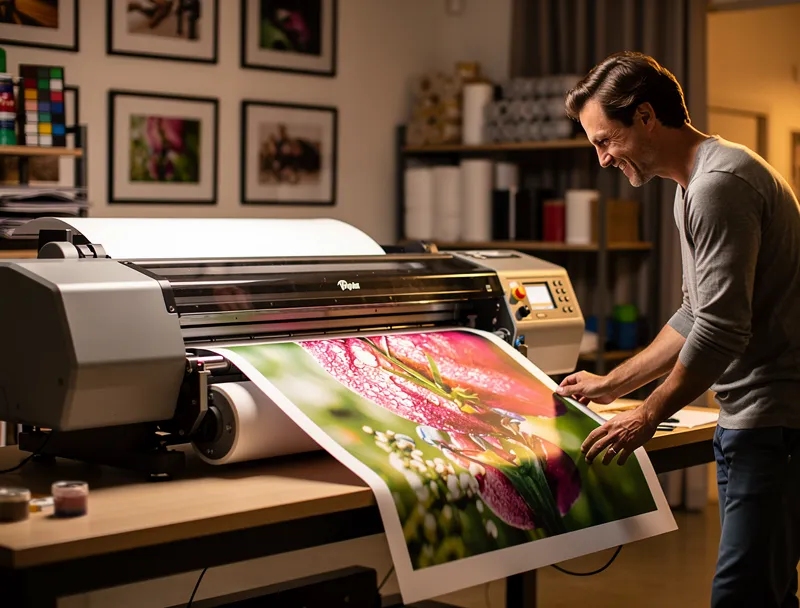
Large-format printing: Billboards, trade show banners, and fine art prints demand extreme resolution. A 4K source at 300 DPI only prints cleanly at about 12" × 6.5". Upscaling to 8K doubles your print size without quality loss.
8K displays and TVs: 8K TVs are shipping now. If you're creating content for 8K screens, native 4K footage will be upscaled by the TV anyway — often poorly. Pre-upscaling with AI gives you control over the result.
Video production and VFX: When compositing 4K footage into 8K timelines, AI upscaling preserves sharpness through the compositing pipeline.
Archival and restoration: Digitized film, old photography, or 4K scans of historical images can be enhanced to 8K for long-term preservation.
Photo licensing and stock sales: Higher resolution images command higher licensing fees. A sharp 8K upscale of a 4K original can open new revenue tiers.
How AI Upscaling Handles the 4K → 8K Jump
The math is simple: you're adding 25 million pixels that didn't exist. The challenge is making those pixels look real.
State-of-the-art AI upscalers use super-resolution neural networks — specifically architectures like Real-ESRGAN and SwinIR. These models:
- Analyze local patterns: The AI examines textures, edges, and gradients across the image.
- Match learned detail: It compares what it sees to millions of training examples to predict what high-res detail should look like.
- Synthesize new pixels: It generates the additional pixels with realistic sharpness and texture.
The result preserves the integrity of your original image while adding genuine resolution. Text stays crisp. Hair strands separate. Fabric textures become visible.
How to Upscale a 4K Image to 8K Online (Step-by-Step)
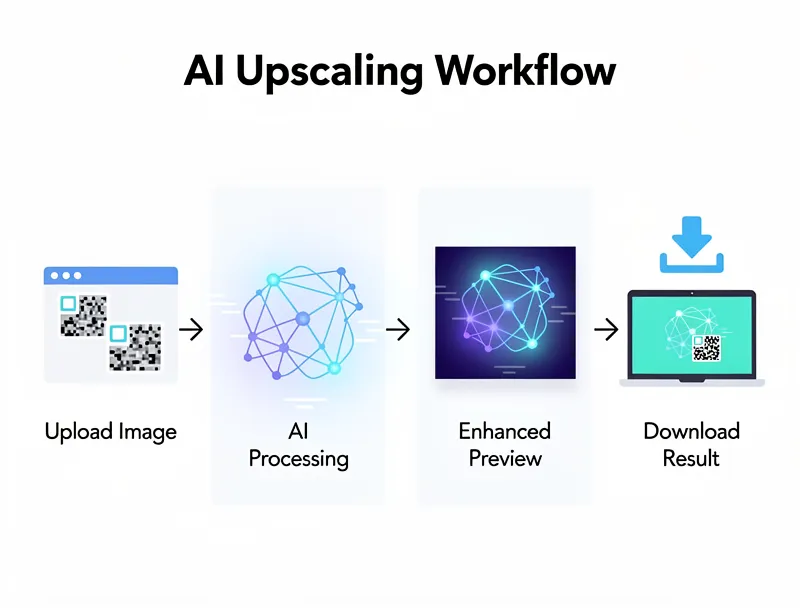
No software to install. No GPU required. Here's the fastest way:
Step 1: Prepare your source file Start with the highest quality 4K file you have. PNG is ideal — it's lossless. If you're working from JPEG, use the original export, not a compressed copy. Compression artifacts compound during upscaling.
Step 2: Upload to MyImageUpscaler Upload your 4K image now — drag and drop directly onto the tool. The AI processes it server-side, so your local machine specs don't matter.
Step 3: Choose your upscale factor For 4K → 8K, select 2x upscaling. This doubles both width and height, giving you the full 8K resolution (7680 × 4320).
Step 4: Download your 8K result Processing takes seconds. Download the enhanced image as PNG for maximum quality, or choose JPG if file size matters.
Step 5: Verify the output Zoom into fine details at 100% zoom — text edges, hair, fabric texture. These areas reveal whether the AI preserved or hallucinated detail.
4K vs 8K: What the Resolution Difference Looks Like
| 4K | 8K | |
|---|---|---|
| Resolution | 3840 × 2160 | 7680 × 4320 |
| Total pixels | ~8.3 million | ~33.2 million |
| Max print size @ 300 DPI | 12.8" × 7.2" | 25.6" × 14.4" |
| File size (PNG, typical) | ~25–45 MB | ~90–160 MB |
| Ideal for | Web, social media, HD displays | Large prints, 8K screens, VFX |
At normal viewing distances, 4K and 8K look identical on screens smaller than 75". The difference shows up when you zoom in, print large, or view on an 8K display from close range.
Realistic Expectations: What AI Upscaling Can and Can't Do
AI upscaling does well with:
- Architectural photography (sharp lines, clear textures)
- Nature and landscape photos (organic detail benefits from AI synthesis)
- Portrait photography (skin texture, hair detail)
- Product photography (crisp edges, fine material detail)
AI upscaling struggles with:
- Severely compressed sources (JPEG at < 60% quality)
- Motion blur (no upscaler can de-blur a moving subject)
- Extremely low-light images with heavy noise
- Text that's already blurry at 4K (upscaling sharpens but can't reconstruct)
The rule of thumb: if your 4K image is sharp, clean, and well-exposed, AI upscaling to 8K will look impressive. If the 4K source has problems, upscaling makes them more visible.
File Size and Storage Considerations
An 8K PNG is 4× the data of a 4K PNG. For a 4K image at 30 MB, expect an 8K version around 110–150 MB.
Storage tips:
- Store 8K masters as PNG for archival
- Export 8K JPEGs at 90%+ quality for deliverables
- Use WebP for web delivery (8K WebP can be 60% smaller than PNG)
- If you're upscaling multiple images, process in batches and compress before archiving
Is It Worth It? The ROI of 8K Upscaling
Photographers: If you're licensing stock photos, 8K images on Shutterstock or Getty can sell at 2–3× the price of 4K equivalents. Upscaling your best 4K shots to 8K could meaningfully increase your catalog value.
Designers: Laying 4K assets into an 8K comp always requires upscaling. Do it intentionally with AI rather than letting your editing software guess.
Content creators: YouTube maxes at 4K for now, but 8K display support is already in Chrome. Future-proofing your video stills and thumbnails at 8K costs nothing but a few seconds of AI processing.
Print shops and agencies: Clients increasingly request "maximum resolution" files. Being able to deliver 8K from 4K sources — while maintaining quality — is a competitive advantage.
Frequently Asked Questions
Can you upscale 4K to 8K without quality loss? With AI upscaling, yes — subjectively. The AI adds realistic detail rather than just stretching pixels. The output looks sharper than the 4K original at the same viewing size. Technically, any upscaling involves estimation, but modern AI models produce results that are visually superior to the source at 8K viewing sizes.
How long does 4K to 8K upscaling take? Online AI upscalers process a 4K image in 10–30 seconds depending on server load. No wait time, no queue — just upload and download.
What's the best file format for 8K images? PNG for maximum quality and no compression loss. JPEG at 95%+ for smaller files with minimal quality reduction. WebP for web delivery — it matches PNG quality at roughly half the file size.
Does upscaling 4K to 8K improve print quality? Significantly. A 4K image at 300 DPI prints cleanly at 12" × 6.5". The same image upscaled to 8K prints crisply at 25" × 14" — nearly twice the dimensions at the same resolution.
Is 8K upscaling free? MyImageUpscaler offers free 4K to 8K upscaling with no signup required. Upload your image and download the enhanced version in seconds.
Conclusion
4K to 8K upscaling isn't a workaround — it's a legitimate production technique. AI models have reached the point where the upscaled output is often indistinguishable from a native 8K capture, especially for still images.
The practical uses are real: larger prints, 8K display compatibility, stock photo premiums, and VFX pipeline flexibility. And the barrier to entry is zero.
Start upscaling your 4K images to 8K now — free, instant, no account required.
Frequently Asked Questions
Quick answers for this guide
How do I upscale images from 4K to 8K with AI [ ]?+
Learn how AI upscales 4K images to true 8K quality — for large prints, 8K displays, and VFX. Free online tool, no signup. See step-by-step guide. Start with the highest-quality source file available, choose the smallest upscale factor that meets your target size, and inspect the result at 100% before publishing or printing.
When should I use AI upscaling for this workflow?+
Use AI upscaling when the original image is too small for the target use case but still has enough detail to guide the model. For guides work, pay closest attention to source image quality, upscale settings, output dimensions, and final visual inspection, especially upscale, AI, tutorial.
How do I avoid losing quality after upscaling?+
Upscale once from the best original, avoid repeated compression, keep important text and edges sharp, and export in a format that matches the final use. If the output shows halos, smeared texture, or distorted text, reduce the upscale factor or use a cleaner source image.

Reviewed byJoao Furtado
AI Image Upscaling Specialist
Joao is the founder of MyImageUpscaler and an AI image upscaling specialist. He tests every guide against real upscaling workflows — comparing model outputs, evaluating sharpness and artifact tradeoffs, and validating tool recommendations before publication.
- AI image upscaling
- Model comparison
- Photo restoration
- E-commerce image prep
![Upscale Image Online Free — No Sign Up, No Watermarks [2026]](https://xqysaylskffsfwunczbd.supabase.co/storage/v1/object/public/blog-images/2026/02/1771797822106-featured-online-upscaler.webp)