
![How to Upscale Passport Photos with AI [2026]](https://xqysaylskffsfwunczbd.supabase.co/storage/v1/object/public/blog-images/2026/03/1773435961192-passport-featured.webp)
How to Upscale Passport Photos with AI
Need a passport photo upscaler that actually meets government requirements? Most passport applications get rejected because the photo resolution is too low. AI upscaling fixes that in seconds — no Photoshop skills needed.
Whether you're renewing your U.S. passport, applying for a visa, or updating your ID, this guide covers exact size requirements and how to upscale your photo to meet them.
Why Passport Photos Get Rejected
Governments are strict about photo quality. The U.S. State Department alone rejects thousands of passport applications every month due to photo issues. Here are the most common reasons:
- Resolution too low — Phone selfies often look fine on screen but fall apart when cropped to 2x2 inches at 300 DPI
- Wrong dimensions — Each country has specific pixel requirements
- Blurry or pixelated — Scanned photos from old passports lose sharpness
- Poor lighting — Shadows on the face cause automatic rejection
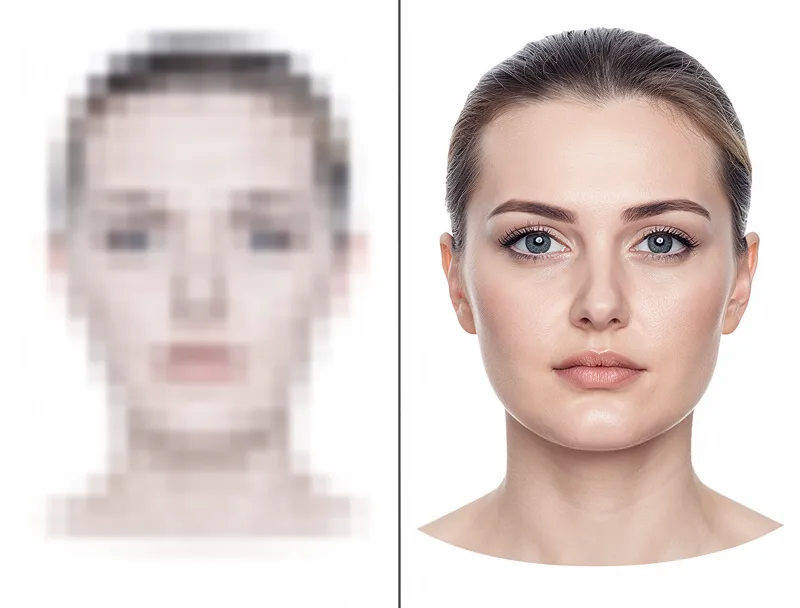
The resolution problem is the easiest to fix. A photo that looks acceptable on your phone (72 DPI) needs to be 4x sharper (300 DPI) for a printed passport. That's where AI upscaling comes in.
Passport Photo Size Requirements by Country
Every country has different rules. Here are the most common:
| Country | Photo Size | Minimum Pixels (300 DPI) | File Size |
|---|---|---|---|
| United States | 2x2 inches (51x51mm) | 600x600 px | 240KB - 10MB |
| United Kingdom | 35x45mm | 413x531 px | — |
| Canada | 50x70mm | 591x827 px | — |
| India | 2x2 inches (51x51mm) | 600x600 px | 10KB - 1MB |
| Schengen (EU) | 35x45mm | 413x531 px | — |
| Australia | 35x45mm | 413x531 px | — |
| China | 33x48mm | 390x567 px | 40KB - 120KB |
The key number: 600x600 pixels minimum for most applications. If your photo is smaller than this, it will look pixelated when printed and likely get rejected.
How to Upscale a Passport Photo Step by Step
Here's how to get your passport photo to the right resolution:
Step 1: Check Your Current Photo Size
Right-click your photo file and check "Properties" (Windows) or "Get Info" (Mac). Look at the pixel dimensions. If it's under 600x600, you need to upscale.
Step 2: Upload to an AI Upscaler
Go to MyImageUpscaler and drag your photo onto the upload area. The AI photo enhancer analyzes your image and adds real detail — it doesn't just stretch pixels like Photoshop's "Image Size" does.
Step 3: Choose Your Scale
For passport photos, 2x upscaling is usually enough:
- Starting at 300x300? Use 2x to get 600x600
- Starting at 200x200? Use 4x to get 800x800 (then crop)
- Scanned old photo at 150 DPI? Use 2x and you'll hit 300 DPI
Step 4: Download and Crop
Download your upscaled photo and crop to the exact dimensions your country requires. Most online passport photo tools can handle the cropping after you've got the resolution right.

Try It Yourself
Upload your image and see the AI enhancement in action. Start with 10 free credits.
Tips for the Best Passport Photo Results
I've upscaled hundreds of passport photos. Here's what actually matters:
Start with the best source you have. A clear, well-lit original photo upscales dramatically better than a blurry one. If possible, take a new photo against a white wall with natural light.
Don't over-upscale. Going from 300x300 to 600x600 (2x) produces excellent results. Going from 100x100 to 800x800 (8x) will look soft. Stick to 2x or 4x for passport photos.
Use the right format. JPEG works for most passport applications. The U.S. requires JPEG specifically. Save at high quality (90%+) to avoid compression artifacts on your face.
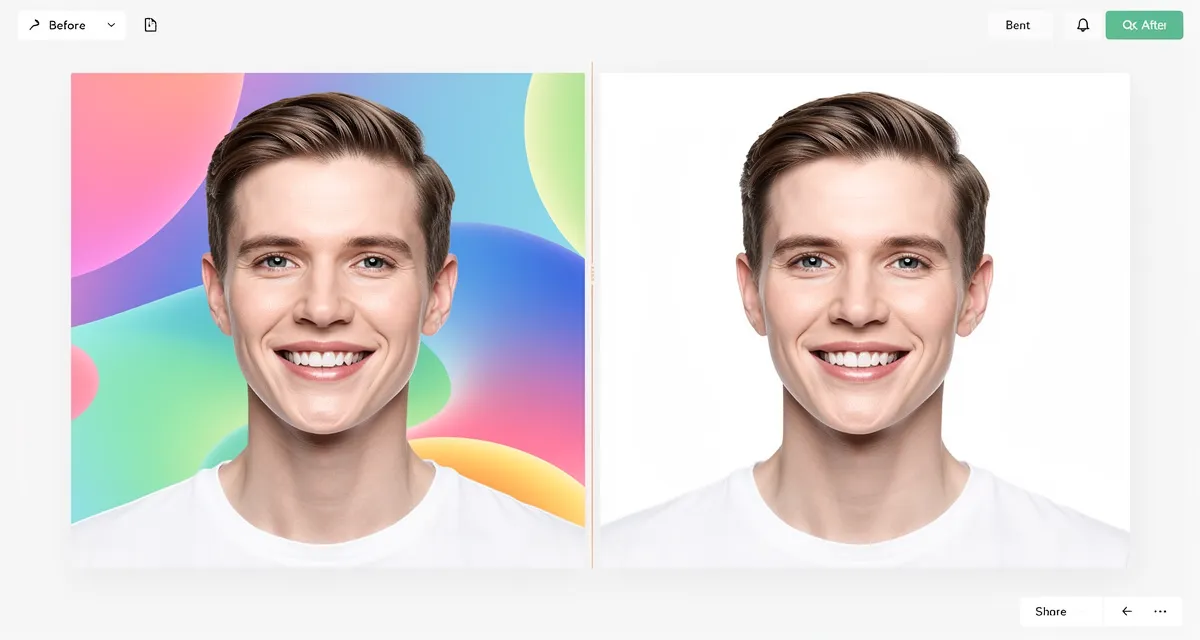
Check the background. Most countries require a plain white or light gray background. If your background isn't right, use a free photo enhancer to clean it up before upscaling.
Mind the file size. Some applications cap file size (the U.S. allows 240KB-10MB). If your upscaled photo is too large, reduce JPEG quality slightly rather than reducing resolution.
Old Passport Photos: Digitize and Upscale
Renewing a passport from 10+ years ago? Your old photo might be a small print or a faded scan. Here's how to save it:
- Scan at the highest resolution your scanner allows — 600 DPI minimum
- If no scanner, photograph it — Use your phone in good light, hold it flat, avoid shadows
- Upload the scan to an AI upscaler — The AI reconstructs lost facial details
- Use portrait enhancement — A portrait upscaler specifically trained on faces will give you sharper results than a general upscaler
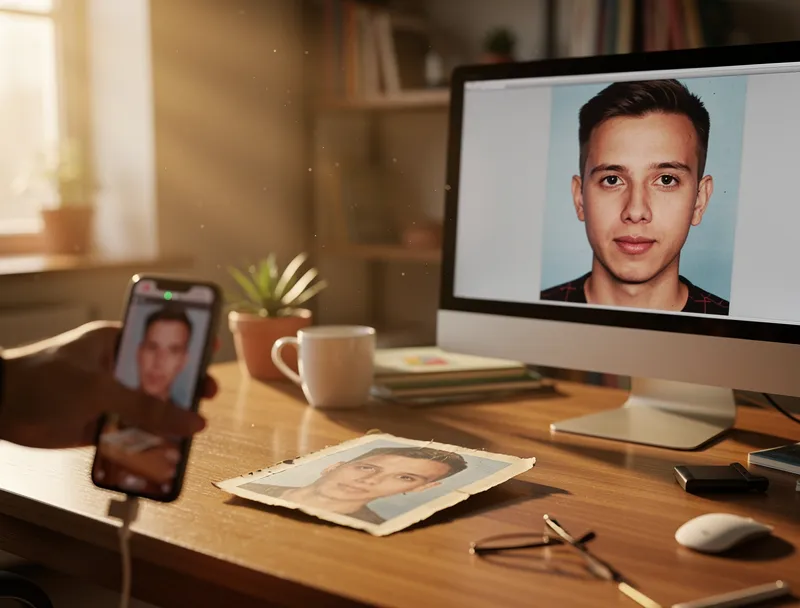
The difference is dramatic. A blurry 200x200 scan becomes a crisp 800x800 photo that meets every government requirement.
See the Difference
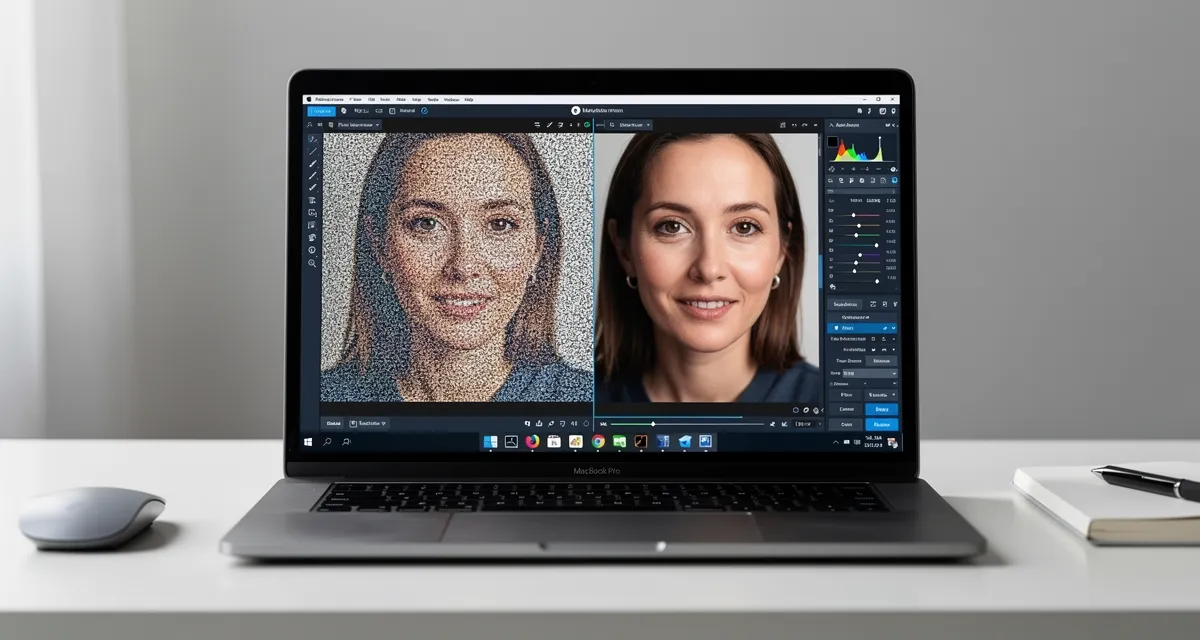
Experience crystal-clear upscaling that preserves text, logos, and fine details.
Conclusion
Getting your passport photo rejected wastes weeks. The fix takes 30 seconds: upload your photo, upscale it to 600x600+ pixels, and download. No account needed, no watermarks.
Upscale your passport photo free — get the right resolution in seconds.
Frequently Asked Questions
What resolution do I need for a U.S. passport photo?
The U.S. State Department requires a 2x2 inch photo at 300 DPI, which translates to 600x600 pixels minimum. The digital file must be between 240KB and 10MB in JPEG format. If your photo is under 600x600, use an AI upscaler to reach the required resolution without losing quality.
Can I upscale a selfie for my passport?
Yes, but the selfie needs to meet passport requirements beyond just resolution. The background must be plain white, your face must be centered and clearly visible, and the photo must be taken straight-on (not at an angle). Upscale the selfie first, then crop to the required dimensions.
Will upscaling make my passport photo look fake?
No. AI upscaling adds realistic detail based on facial features — it doesn't alter your appearance. Government photo scanners check for resolution and clarity, not whether AI was used to enhance the image. The result looks like a higher-quality version of your original photo.
How much does it cost to upscale a passport photo?
You can upscale a passport photo free with MyImageUpscaler — no signup required. Get 10 free credits when you create an account. For a single passport photo, free credits are more than enough.
What's the best file format for passport photos?
JPEG is the most widely accepted format. The U.S., Canada, and most countries specifically require JPEG. Save at 90%+ quality to preserve facial detail. Avoid PNG for passport submissions unless the application specifically asks for it.

Reviewed byJoao Furtado
AI Image Upscaling Specialist
Joao is the founder of MyImageUpscaler and an AI image upscaling specialist. He tests every guide against real upscaling workflows — comparing model outputs, evaluating sharpness and artifact tradeoffs, and validating tool recommendations before publication.
- AI image upscaling
- Model comparison
- Photo restoration
- E-commerce image prep
![Upscale Image Online Free — No Sign Up, No Watermarks [2026]](https://xqysaylskffsfwunczbd.supabase.co/storage/v1/object/public/blog-images/2026/02/1771797822106-featured-online-upscaler.webp)