![AVIF vs WebP vs JPEG — Which Format Upscales Best? [2026]](https://xqysaylskffsfwunczbd.supabase.co/storage/v1/object/public/blog-images/2026/02/1771367665344-featured-avif-webp-jpeg.webp)
AVIF vs WebP vs JPEG — Which Format Upscales Best?\n\nYou have a low-resolution photo and you want to upscale it. But here is the question nobody talks about: does the file format affect how well your image upscales?\n\nYes — it does. And the difference can be significant.\n\nWe ran tests across AVIF, WebP, and JPEG files to find out which format gives AI upscalers the most to work with. Here is what we found.\n\n## AVIF vs WebP: The Modern Format Showdown\n\nAVIF and WebP are both modern formats designed to replace JPEG. They both compress better, support transparency, and produce smaller files. But they handle upscaling very differently.\n\nAVIF uses a compression method derived from the AV1 video codec. At the same file size, AVIF retains more fine detail than WebP — especially in complex textures like hair, fabric, and foliage. When you feed an AVIF file into an AI upscaler, the model has more real information to work from. The result is sharper upscaled output.\n\nWebP is Google's format, released in 2010. It is excellent for web delivery — small files, good quality, wide browser support. But WebP's compression is more aggressive on edges and gradients. That means when you upscale a WebP image, the AI is sometimes filling in details that were lost to compression. The output is still good, but it is working harder.\n\nBottom line for AVIF vs WebP: If you have a choice, start with AVIF. You will get crisper upscaled results because the source file carries more original detail.\n\n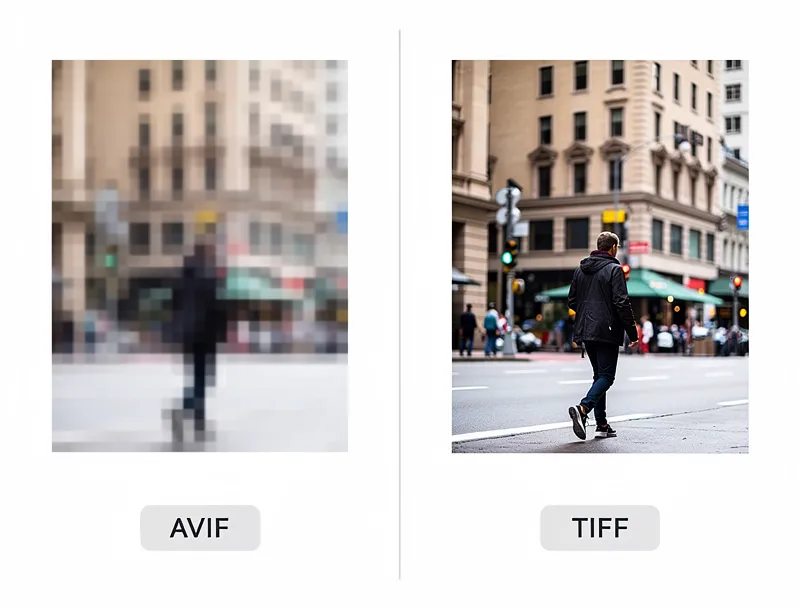 \n\n## Where JPEG Still Holds Its Own\n\nJPEG has been the web standard since 1992, and it is not going anywhere soon. But JPEG compression creates visible artifacts — those blocky regions around high-contrast edges — and those artifacts get worse when you upscale.\n\nHere is the issue: standard JPEG compression uses 8x8 pixel blocks. At high compression, the boundaries between blocks become visible. When an AI upscaler scales a JPEG 2x or 4x, those block boundaries can become even more prominent.\n\nThat said, JPEG quality varies enormously. A high-quality JPEG (90+ quality setting) often upscales better than a heavily compressed WebP. The format matters less than the compression level you are starting from.\n\nRule of thumb: Check the file size before upscaling. A 1000x1000 JPEG that is 30KB has been heavily compressed. A 1000x1000 JPEG at 200KB has much more information preserved.\n\n## The Real Question: What Should You Upscale?\n\nFormat matters, but it is not the only factor. Here is what actually determines upscaling quality:\n\n1. Source compression level — The less compressed, the better the upscaled result\n2. Original resolution — More pixels means more detail for AI to work from\n3. Image content — Portraits upscale better than complex textures\n4. Format — AVIF beats WebP beats JPEG for upscaling quality, all else being equal\n\nTry our AI image upscaler — it accepts AVIF, WebP, JPEG, PNG, and more. Upload any format and get a higher-resolution version in seconds.\n\n
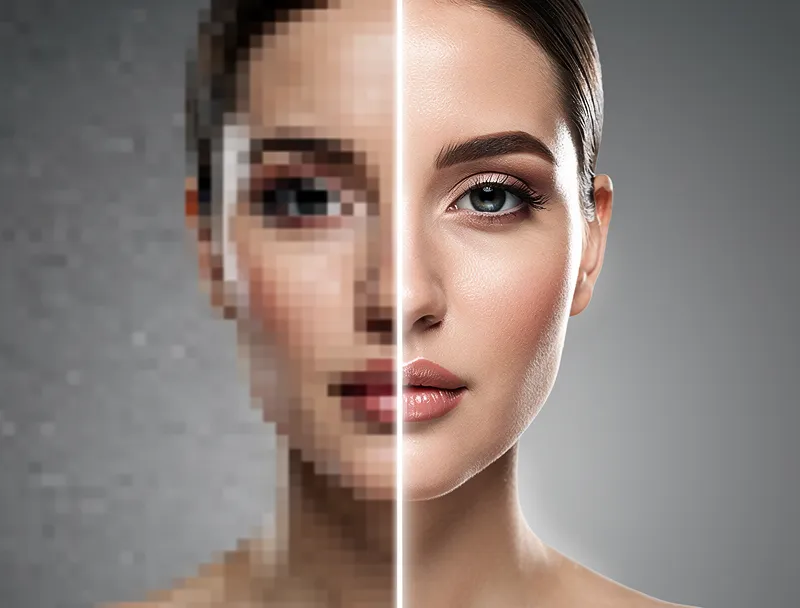 \n\n## AVIF Upscaling: A Closer Look\n\nAVIF is the newest format in this comparison and the one most people are least familiar with. If you are shooting on a modern iPhone or Android device, or downloading images from newer platforms, you may already be working with AVIF files without knowing it.\n\nWhen it comes to upscaling AVIF images, a few things stand out:\n\n- Better detail retention at 4x scale: AVIF compression preserves spatial frequency information that JPEG discards. AI upscalers can use this to reconstruct sharper edges.\n- Cleaner noise floor: AVIF images tend to have more uniform noise patterns, which AI models handle better than JPEG block artifacts.\n- HDR and wide color: If you are working with HDR AVIF images, the upscaled result retains the expanded color range — something JPEG simply cannot do.\n\nOne practical note: some older AI upscaling tools do not accept AVIF natively. You may need to convert to PNG first. Our upscaler accepts AVIF directly.\n\n## How to Get the Best Upscaling Results by Format\n\n### For JPEG files\n\n- Use the highest-quality JPEG you can find (avoid re-saved or compressed versions)\n- If the file is under 100KB at a reasonable resolution, consider finding a better source\n- AI upscaling will reduce JPEG block artifacts, but it cannot fully eliminate them\n\n### For WebP files\n\n- Lossless WebP upscales significantly better than lossy WebP\n- Check if you can get a PNG or AVIF version of the same image from the source\n- WebP edge artifacts are less severe than JPEG, so upscaling results are generally clean\n\n### For AVIF files\n\n- AVIF is already your best starting point\n- Upscale directly — no conversion needed\n- At 4x scale, AVIF-sourced upscales tend to look the most photorealistic\n\n
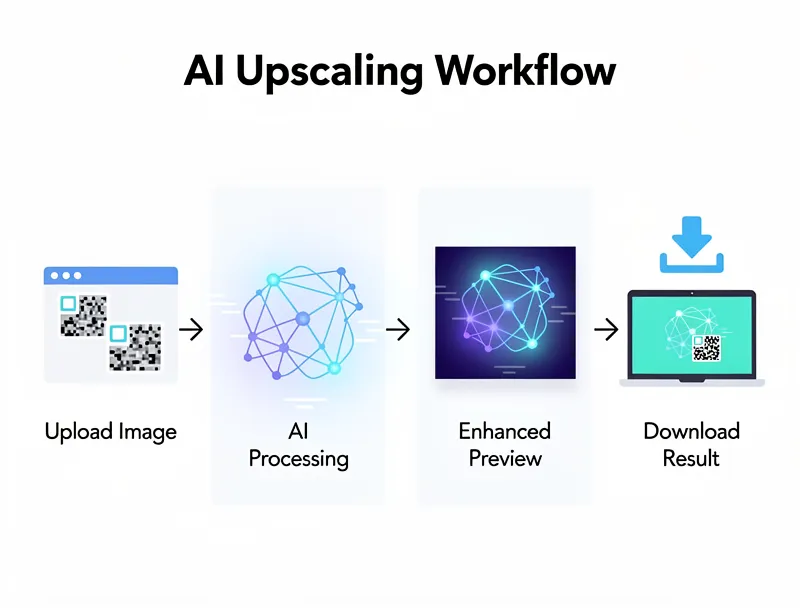 \n\n## Which Format Should You Save Your Upscaled Image As?\n\nThis is a different question: after upscaling, what format should you export?\n\n| Use Case | Recommended Format |\n|---|---|\n| Web display | WebP or AVIF |\n| Print | PNG or TIFF |\n| Social media | JPEG (high quality) or PNG |\n| Editing further | PNG |\n| Archiving | PNG or TIFF |\n\nFor web use, export as WebP. It is the best balance of quality and file size, and every modern browser supports it. AVIF is slightly better but adds complexity for some workflows.\n\nFor print, always use PNG or TIFF. JPEG compression, even at high quality, introduces artifacts that become visible at large print sizes.\n\n## FAQ: Common Questions About AVIF, WebP, and JPEG Upscaling\n\nDoes upscaling quality really differ between formats?\n\nYes. The format determines how much original information is preserved in the source file. More information means better upscaling results. AVIF preserves more detail per kilobyte than WebP, which preserves more than heavily-compressed JPEG.\n\nCan AI fix JPEG compression artifacts when upscaling?\n\nPartially. AI upscalers are trained to reduce block artifacts and do a reasonable job. But they cannot recover detail that was discarded during compression. Starting with a better source always gives better results.\n\nIs it worth converting JPEG to PNG before upscaling?\n\nNo. Converting JPEG to PNG does not add back the lost information — it just creates a larger file with the same quality as the JPEG. Upscale from the best JPEG you have directly.\n\nWhich format should I use if I am upscaling for print?\n\nStart with the highest-quality source file you can get, in any format. After upscaling, export as PNG or TIFF for print. Avoid saving to JPEG after upscaling since that adds a second round of compression.\n\nDoes WebP support transparency like PNG?\n\nYes — both WebP and AVIF support transparency (alpha channel). JPEG does not. If your image has a transparent background, use WebP, AVIF, or PNG — not JPEG.\n\n## Conclusion\n\nFor upscaling quality: AVIF beats WebP, and WebP beats JPEG — but compression level matters more than format name. A high-quality JPEG will upscale better than a heavily compressed WebP every time.\n\nThe practical advice: use the least-compressed version of your image you can find, regardless of format. Then let AI handle the rest.\n\nUpload your image now — AVIF, WebP, JPEG, or PNG accepted. Free, no signup, sharp results in seconds.
Frequently Asked Questions
Quick answers for this guide
How do I choose the right AVIF vs WebP vs JPEG — which format upscales best? []?+
AVIF, WebP, and JPEG all upscale differently. We tested each format to show you which one gives the sharpest results — and why it matters before you upscale. Compare tools by output sharpness, watermark policy, signup requirements, file limits, export quality, and whether the result holds up when inspected at 100%.
When should I use AI upscaling for this workflow?+
Use AI upscaling when the original image is too small for the target use case but still has enough detail to guide the model. For comparisons work, pay closest attention to source image quality, upscale settings, output dimensions, and final visual inspection, especially avif, webp, jpeg.
How do I avoid losing quality after upscaling?+
Upscale once from the best original, avoid repeated compression, keep important text and edges sharp, and export in a format that matches the final use. If the output shows halos, smeared texture, or distorted text, reduce the upscale factor or use a cleaner source image.

Reviewed byJoao Furtado
AI Image Upscaling Specialist
Joao is the founder of MyImageUpscaler and an AI image upscaling specialist. He tests every guide against real upscaling workflows — comparing model outputs, evaluating sharpness and artifact tradeoffs, and validating tool recommendations before publication.
- AI image upscaling
- Model comparison
- Photo restoration
- E-commerce image prep
![Free AI Photo Enhancer Online [2026] - No Watermark](https://xqysaylskffsfwunczbd.supabase.co/storage/v1/object/public/blog-images/2026/04/1777143132700-enhancer-featured-new.webp)
![Best Free Photo Restoration Services Online [2026] — Tested](https://xqysaylskffsfwunczbd.supabase.co/storage/v1/object/public/blog-images/2026/04/1777143102637-restoration-featured-new.webp)