Best Free AI Image Upscaler 2026: No Watermark
This guide compares the best free AI image upscaler options in 2026 that avoid watermarks, signup friction, hidden limits, and low-quality exports. We tested which tools give you clean enlarged images and which ones hide the useful download behind limits.
Why Watermarks Are Such a Problem
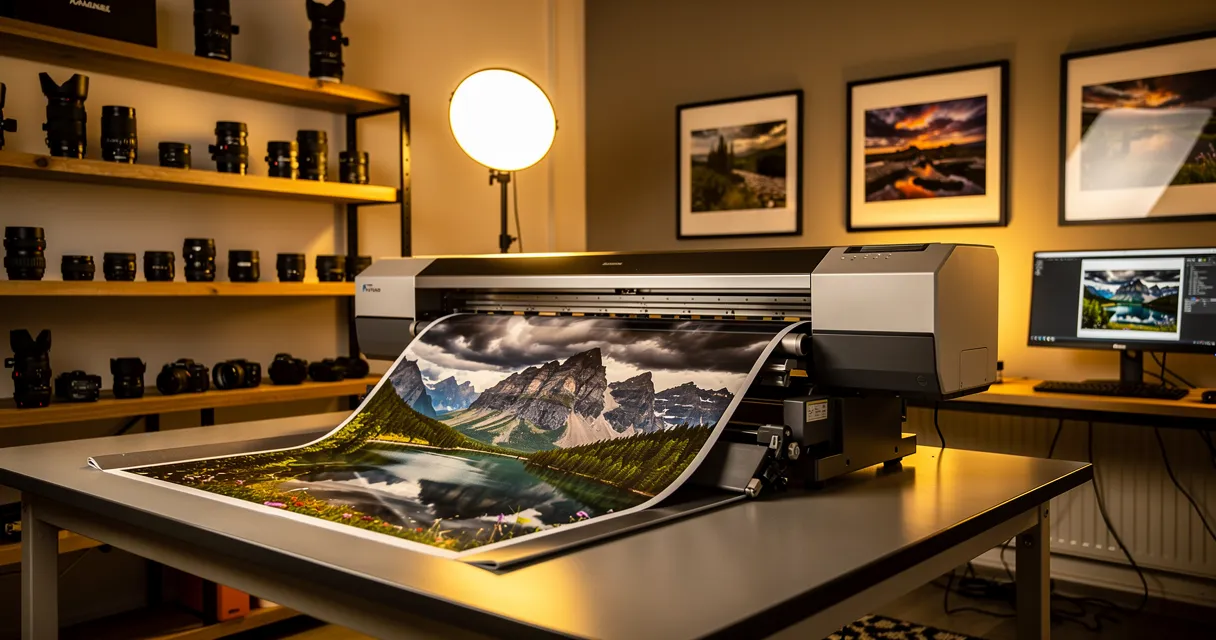
You upload a blurry photo, wait 30 seconds, and get back a sharp, enlarged version — then notice the tool's logo plastered across the corner. That image is useless for anything professional: client work, social posts, product listings, or print.
Watermarks are a monetization tactic. The tool gives you a taste of quality, then blocks delivery unless you pay. Fair enough in theory, but most people just need a few images upscaled occasionally. Paying a monthly subscription for that is overkill.
The good news: several tools now offer genuine watermark-free upscaling in their free tier.
If you also want the broader ranking of no-signup, no-watermark, 4K/8K, and free-limit tradeoffs, use the complete free AI image upscaler comparison for 2026 as the canonical buying guide.
!Image quality comparison: watermarked low-quality photo versus clean watermark-free upscaled result

Try It Yourself
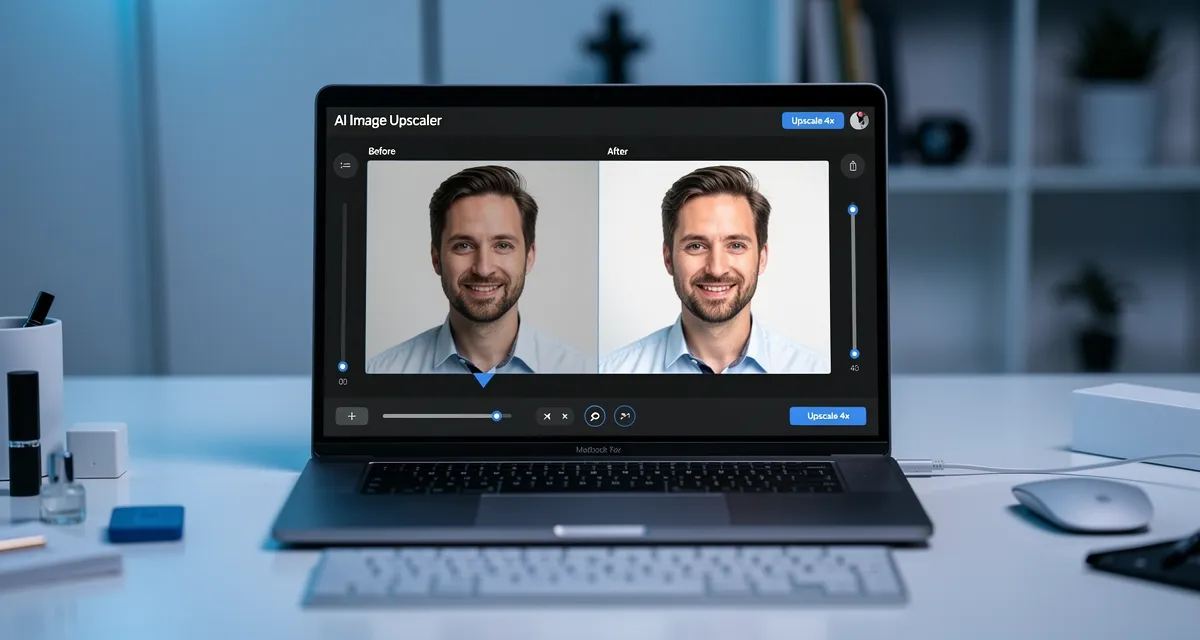
Upload your image and see the AI enhancement in action. Start with 10 free credits.
The 7 Best Free AI Upscalers Without Watermarks
1. MyImageUpscaler — Best Overall
No watermarks. No account required to try. You get 10 free credits on signup, and guest access lets you test the quality before committing to anything.
The AI uses a neural network that adds genuine detail rather than just stretching pixels. Results hold up at 2x, 4x, and 8x enlargement. Supports JPEG, PNG, WebP, AVIF, HEIC, and more.
Best for: General photos, product images, old scans, AI-generated art
Free tier: 10 credits on signup, no credit card needed, no watermarks ever
2. Upscayl — Best Desktop Option
Open-source desktop app for Windows, Mac, and Linux. Completely free, no limits, no watermarks. You process images locally so nothing leaves your device.
The catch: you need to download and install it, and performance depends on your GPU. On older hardware it can be slow.
Best for: Privacy-conscious users, batch processing, offline use
Free tier: Unlimited, fully free and open-source
3. Real-ESRGAN (Replicate Demo)
The underlying AI model used by many paid tools. You can run it free through Replicate's demo interface. Results are excellent — this is the same tech under the hood of several premium services.
No watermark on output. Limited to a few free runs per day.
Best for: Testing raw AI quality before committing to a tool
Free tier: Limited daily runs, no watermarks
4. Waifu2x
Originally built for anime and illustrations, Waifu2x works surprisingly well on photographs too. Completely free, web-based, no signup, no watermarks.
Slower than modern alternatives and capped at 2x upscaling, but the output is clean.
Best for: Anime art, illustrations, manga-style images
Free tier: Unlimited, no account, no watermarks
5. Upscale.media (Free Tier)
Clean interface, fast processing, watermark-free on their free plan for images under a certain resolution. Upgrade gates kick in for larger files.
Best for: Quick one-off upscales on smaller images
Free tier: Several free upscales per day, no watermarks on small images
6. Let's Enhance (Free Tier)
Ten free credits on signup, decent AI quality, no watermark on downloaded results. The free allowance runs out quickly if you're processing many images.
Best for: One-time use or testing before buying a plan
Free tier: 10 credits on signup
7. Icons8 Smart Upscaler
Part of Icons8's free tools suite. Handles photos and graphics well. Free tier includes several monthly upscales without watermarks.
Best for: Designers already using Icons8 assets
Free tier: Limited monthly upscales, watermark-free
!3-step AI upscaling process: upload your image, AI enhances it, download clean result
What to Look for in a Watermark-Free Upscaler
Not all free tiers are equal. Here is what separates the good ones:
1. Check Output Quality First
Some tools remove watermarks but deliver mediocre upscaling — blurry edges, color shifts, artificial smoothing. Before investing time in a tool, test it on a photo you know well so you can spot degradation.
2. Verify the Format Support
If you're working with JPEG images or PNG files, most tools handle them fine. But if you're dealing with iPhone HEIC photos or WebP files from web exports, check format compatibility before counting on a tool.
3. Understand the Free Tier Limits
Free means different things:
- Per-day limits: X free upscales every 24 hours
- Credit-based: Signup gives you N credits, no monthly refresh
- Resolution limits: Free for small files, paid for large outputs
- Unlimited free: Rare but exists (Upscayl, Waifu2x)
For occasional use, credit-based or per-day limits work fine. For regular batch work, you want an unlimited option or a free image upscaler with a generous allowance. You can also compare all options in our 7 best free AI upscaler tools roundup.
4. No Signup vs Account Required
Some tools let you test without creating an account. This matters if you're evaluating quality before committing. MyImageUpscaler and Waifu2x both allow guest access.
When Free Is Not Enough
If you're upscaling dozens of images regularly — product photos for an online store, a batch of scanned prints, or client work — the free tier math stops working. You either hit daily limits or run out of credits.
For e-commerce product photos specifically, consistent quality across a large catalog matters more than saving a few dollars on a monthly plan.
At that point, a paid plan with unlimited processing makes more sense than juggling multiple free accounts.
!Person viewing sharp crystal-clear upscaled photo on monitor in professional home office
See the Difference
Experience crystal-clear upscaling that preserves text, logos, and fine details.
Frequently Asked Questions
Do any free AI upscalers actually have no watermarks?
Yes. MyImageUpscaler, Upscayl, Waifu2x, and Real-ESRGAN demo all produce watermark-free output. The key is checking whether the specific free tier includes watermarks — many tools add them only on the free tier while the paid tier removes them.
What is the best free AI upscaler with no watermark and no signup?
Waifu2x requires no account and has no watermarks. MyImageUpscaler lets you test with guest access before signing up. Upscayl is a desktop app that needs no account or internet connection.
Can I upscale photos to 4K for free with no watermark?
Yes. Tools like MyImageUpscaler support upscaling to 4K resolution on the free tier without adding watermarks. The free credit allowance limits how many images you can process, but there is no quality or watermark restriction.
Why do some free upscalers add watermarks?
It is a conversion tactic. The tool wants you to upgrade to a paid plan. Watermarks make the free output unusable professionally, pushing you to pay. Tools without this model (open-source apps, tools with generous free tiers) do not need watermarks to drive revenue.
Is AI upscaling quality the same as the paid version?
Usually yes. Most watermark-free free tiers use the same AI model as the paid version. The difference is in limits (number of images, maximum resolution, batch processing) not quality per image.
Conclusion
Most of the watermark frustration comes from tools designed to annoy you into upgrading. The seven options above take a different approach — they give you real, usable output for free.
Try MyImageUpscaler free — no watermarks, no account required to test, 10 credits on signup.
For a broader comparison of the top 12 free AI upscalers (including paid options), see our complete free AI upscaler comparison for 2026.
Related No-Watermark and Quality Guides
- For the broader tools ranking, compare the top AI image upscaler websites.
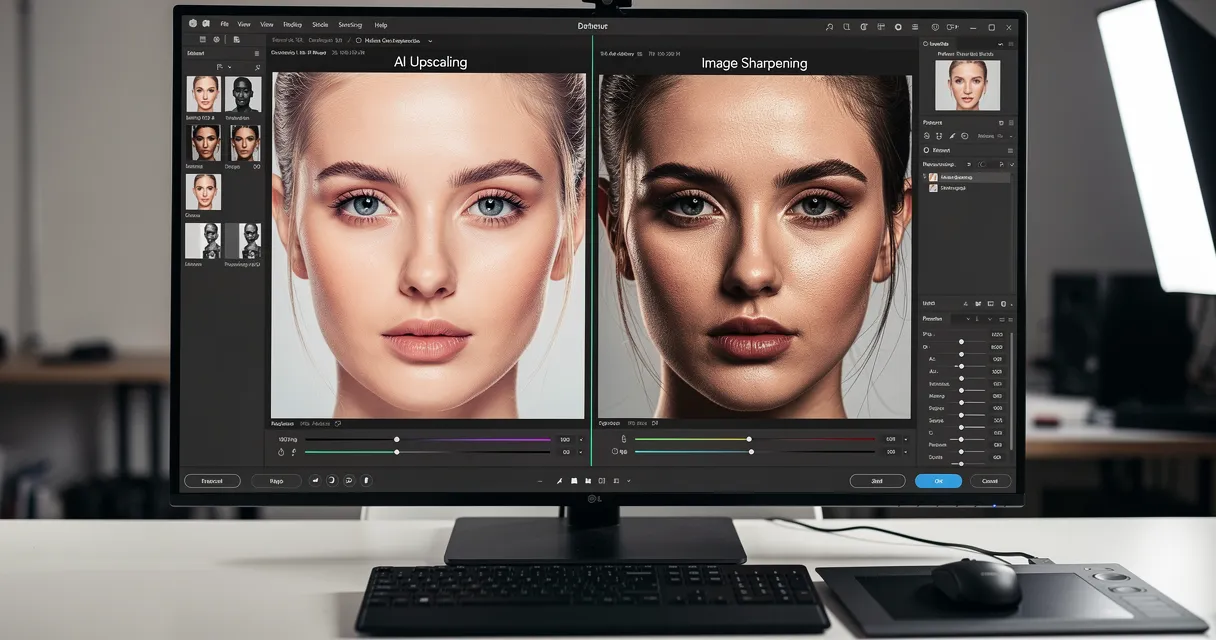
- For blurry-photo cleanup before enlargement, use the free AI image sharpener comparison.
- For print exports, check the upscale image to 300 DPI guide.
Frequently Asked Questions
Quick answers for this guide
How do I choose the right free AI image upscaler with no watermark?+
Compare free AI image upscalers with no watermark in 2026. See which tools avoid signup friction, hidden limits, and low-quality exports. Compare tools by output sharpness, watermark policy, signup requirements, file limits, export quality, and whether the result holds up when inspected at 100%.
When should I use AI upscaling for this workflow?+
Use AI upscaling when the original image is too small for the target use case but still has enough detail to guide the model. For comparisons work, pay closest attention to source image quality, upscale settings, output dimensions, and final visual inspection, especially upscale, AI, free.
How do I avoid losing quality after upscaling?+
Upscale once from the best original, avoid repeated compression, keep important text and edges sharp, and export in a format that matches the final use. If the output shows halos, smeared texture, or distorted text, reduce the upscale factor or use a cleaner source image.

Reviewed byJoao Furtado
AI Image Upscaling Specialist
Joao is the founder of MyImageUpscaler and an AI image upscaling specialist. He tests every guide against real upscaling workflows — comparing model outputs, evaluating sharpness and artifact tradeoffs, and validating tool recommendations before publication.
- AI image upscaling
- Model comparison
- Photo restoration
- E-commerce image prep