![Image Upscaler 8x: Enlarge Photos 8× Without Losing Quality [2026]](https://xqysaylskffsfwunczbd.supabase.co/storage/v1/object/public/blog-images/2026/03/1773349395018-blog-8x-featured.webp)
Image Upscaler 8x: Enlarge Photos 8× Without Losing Quality
An image upscaler 8x takes your photo and multiplies its dimensions by eight — turning a 500×500 pixel thumbnail into a 4,000×4,000 pixel print-ready image. That's 64 times more pixels. And when AI handles the job, those extra pixels look real, not blurry.
This guide covers what 8x upscaling actually means, when it makes sense, and how to do it free online.
What Does 8x Upscaling Mean?
When we say "8x upscale," we mean the image's width and height both multiply by 8.
Here's the math:
- Original: 400×300 px
- After 8x upscale: 3,200×2,400 px (7.68 megapixels)
That's enough resolution for a 10×8 inch print at 300 DPI — straight from a low-res source file.
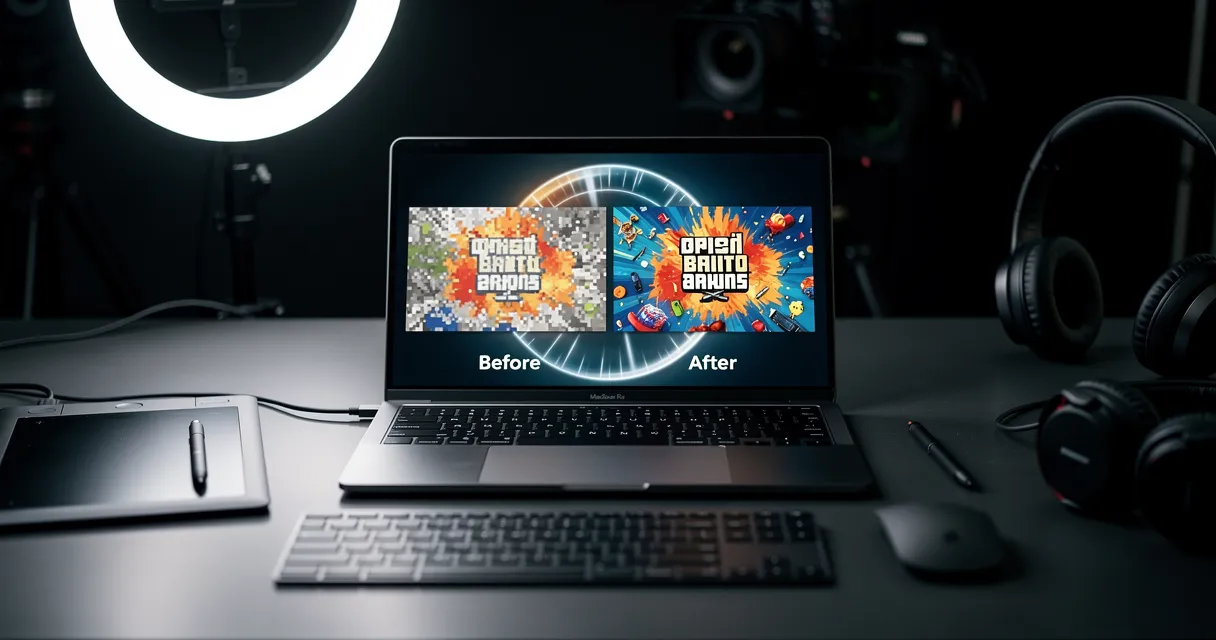
Traditional resizing at 8x produces blurry, blocky results because it just stretches existing pixels. AI upscaling is different. It analyzes the original image, predicts what fine details should look like, and adds them in. The result is sharp edges, realistic textures, and colors that hold together at large sizes.
Want to jump straight to upscale 8x right now? Upload your photo and see the difference in seconds.
Try the AI image upscaler with one real image before changing every file. Upload once, compare the 2x and 4x result, then keep the cleaner export.

Try It Yourself
Upload your image and see the AI enhancement in action. Start with 5 free credits.
When Do You Actually Need 8x Upscaling?
Most upscaling jobs don't require 8x. Here's an honest breakdown of when it actually makes sense:
Use 8x when:
- You're printing large-format (posters, banners, canvas prints 24" and up)
- You found an old family photo that's 640×480 pixels and want it at poster size
- You're preparing archival images for future-proofing
- You're working with heavily compressed thumbnails or web-scaled images
Use 4x or 2x instead when:
- Your source is already 1,000+ pixels wide
- You're optimizing for social media or screen display
- You want faster processing
Trying to upscale to 4K from a decent-quality source? 4x usually gets you there without over-processing.
Try It Yourself
Upload your image and see the AI enhancement in action. Start with 5 free credits.
2x vs 4x vs 8x: Which Scale Factor Do You Need?
Choosing the right scale factor saves time and produces better results.
| Scale | Typical Use | Example Output |
|---|---|---|
| 2x | Web display, social media | 800px → 1,600px |
| 4x | Standard prints, presentations | 500px → 2,000px |
| 8x | Large format print, archival | 400px → 3,200px |
A common mistake is applying 8x to an already-large image. If your source is 2,000px wide, 8x gives you 16,000px — that's overkill for almost anything, and the AI has less "real" detail to work from. Start with the smallest clean source you have, pick the scale that hits your target output size, and let the AI fill in the rest.
!Image resolution scale comparison showing how 8x upscaling multiplies pixel count dramatically
How to Upscale an Image 8x With MyImageUpscaler
This takes about 30 seconds:
- Go to MyImageUpscaler — no account needed to try
- Upload your image — drag and drop, or click to browse (supports JPEG, PNG, WebP, AVIF)
- Select 8x scale — choose from the scale options in the interface
- Click Upscale — the AI processes your image in the cloud
- Download — your enlarged, enhanced image is ready
The AI model runs server-side, so it works regardless of your device. It handles the heavy processing; you just wait a few seconds.
If you want to try without signing up, use our free image upscaler — you get credits on first visit with no credit card required.
See the Difference
Experience crystal-clear upscaling that preserves text, logos, and fine details.
The fastest quality check is to test the same image in your browser, then compare detail, edge halos, watermarks, and download quality side by side.
Best Use Cases for 8x Upscaling
Large-format printing: Banners, canvas prints, poster prints, and trade show graphics all require high resolution at physical size. A 400px source file at 8x gives you enough DPI for most large-format work.
Old photo restoration: Photos from the 1990s and early 2000s were often saved at very low resolutions. 8x can take a 320×240 scan and turn it into something frameable.
AI-generated artwork: Images from tools like Midjourney often export at 1,024×1,024. That's fine for screens but too small for print. Upscaling 8x produces a 8,192×8,192 image — more than enough for any print size.
E-commerce product thumbnails: Some sellers have access only to low-res product shots. 8x upscaling makes them print-ready for catalogs and packaging.
Tips for Getting the Best Results at 8x
Start with the cleanest source you have. AI upscaling fills in details, but it can only work from what's there. A slightly compressed JPEG upscales better than a screenshot of a thumbnail.
Check for artifacts before printing. At 8x, any compression artifacts in the original get amplified. Zoom into the upscaled image at 100% in your photo viewer before sending to print.
JPEG vs PNG at 8x. PNG sources tend to upscale cleaner because there's no compression noise to deal with. If you have both versions of a source file, use the PNG.
Don't re-upscale. Running an already-upscaled image through the process again rarely helps and often introduces noise. Get it right in one pass.
See the Difference
Experience crystal-clear upscaling that preserves text, logos, and fine details.
Frequently Asked Questions
What's the maximum file size I can upscale 8x? MyImageUpscaler supports input images up to 10MB. For 8x jobs, starting files under 5MB tend to process fastest.
Will 8x upscaling make a blurry photo sharp? Upscaling fixes pixelation (blocky squares) and low resolution. It can't recover detail that was never captured — like motion blur from a camera shake. For blurry photos, fix blurry photos with AI before upscaling if needed.
How long does 8x upscaling take? Usually 10–30 seconds depending on the source image size and current server load.
Is 8x upscaling free? You can try it free without an account. Signing up gives you 10 free credits — no credit card required.
What formats does the 8x upscaler support? JPEG, PNG, WebP, AVIF, and more. The output downloads as PNG by default.
Conclusion
8x upscaling is the right tool when you need massive resolution from a small source — large prints, archival preservation, or AI art going to canvas. Keep it for those cases, and use 2x or 4x for everyday work.
Start upscaling your images for free — no signup required, results in under 30 seconds.
Frequently Asked Questions
Quick answers for this guide
How do I choose the right image upscaler 8x enlarge photos 8× without losing quality []?+
Need to upscale an image 8x? Learn when 8x enlargement makes sense, how AI handles it, and how to do it free online. Step-by-step guide. Compare tools by output sharpness, watermark policy, signup requirements, file limits, export quality, and whether the result holds up when inspected at 100%.
When should I use AI upscaling for this workflow?+
Use AI upscaling when the original image is too small for the target use case but still has enough detail to guide the model. For guides work, pay closest attention to source image quality, upscale settings, output dimensions, and final visual inspection, especially upscale, AI, tutorial.
How do I avoid losing quality after upscaling?+
Upscale once from the best original, avoid repeated compression, keep important text and edges sharp, and export in a format that matches the final use. If the output shows halos, smeared texture, or distorted text, reduce the upscale factor or use a cleaner source image.

Reviewed byJoao Furtado
AI Image Upscaling Specialist
Joao is the founder of MyImageUpscaler and an AI image upscaling specialist. He tests every guide against real upscaling workflows — comparing model outputs, evaluating sharpness and artifact tradeoffs, and validating tool recommendations before publication.
- AI image upscaling
- Model comparison
- Photo restoration
- E-commerce image prep